Chrome extensions
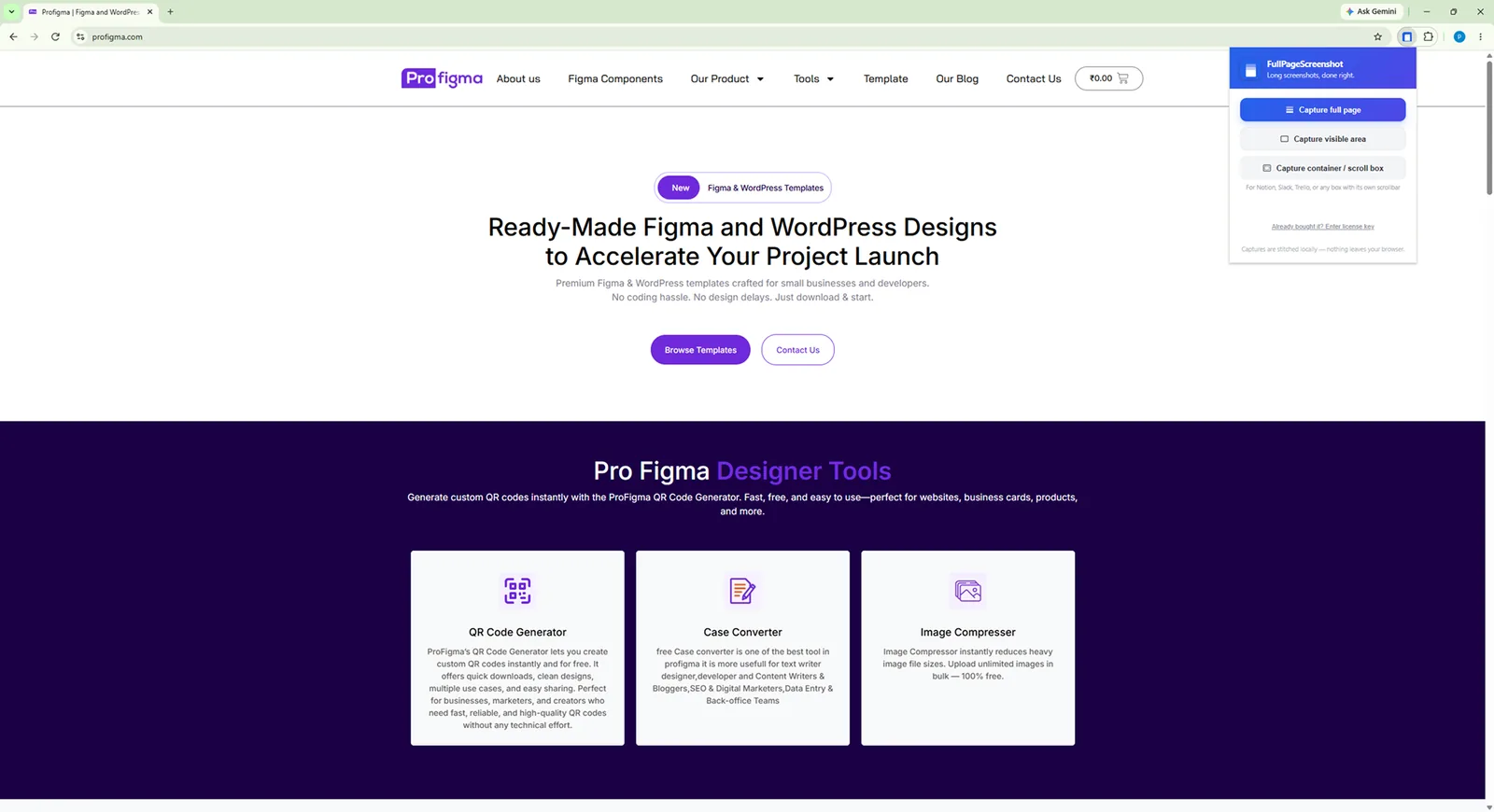
Two small extensions I use every day. FullPageScreenshot captures a whole webpage and lets you mark it up. ProFigma Grab downloads or copies any image on a page with one hover.
The problem
Designers collect a lot from the web: full pages for reference, images for moodboards. The browser makes both harder than they should be.
A normal screenshot only gets what fits on screen. Saving an image often means right-click, a new tab, the wrong format, or an image you can't right-click at all.
Long pages
A screenshot cuts off everything below the fold.
Hidden images
Background images and canvas images can't be saved with right-click.
Wrong format
Images come as WebP or AVIF when Figma or a client needs PNG or JPEG.
What I built
Two focused tools instead of one big one. Each does one job in one click.
Full page
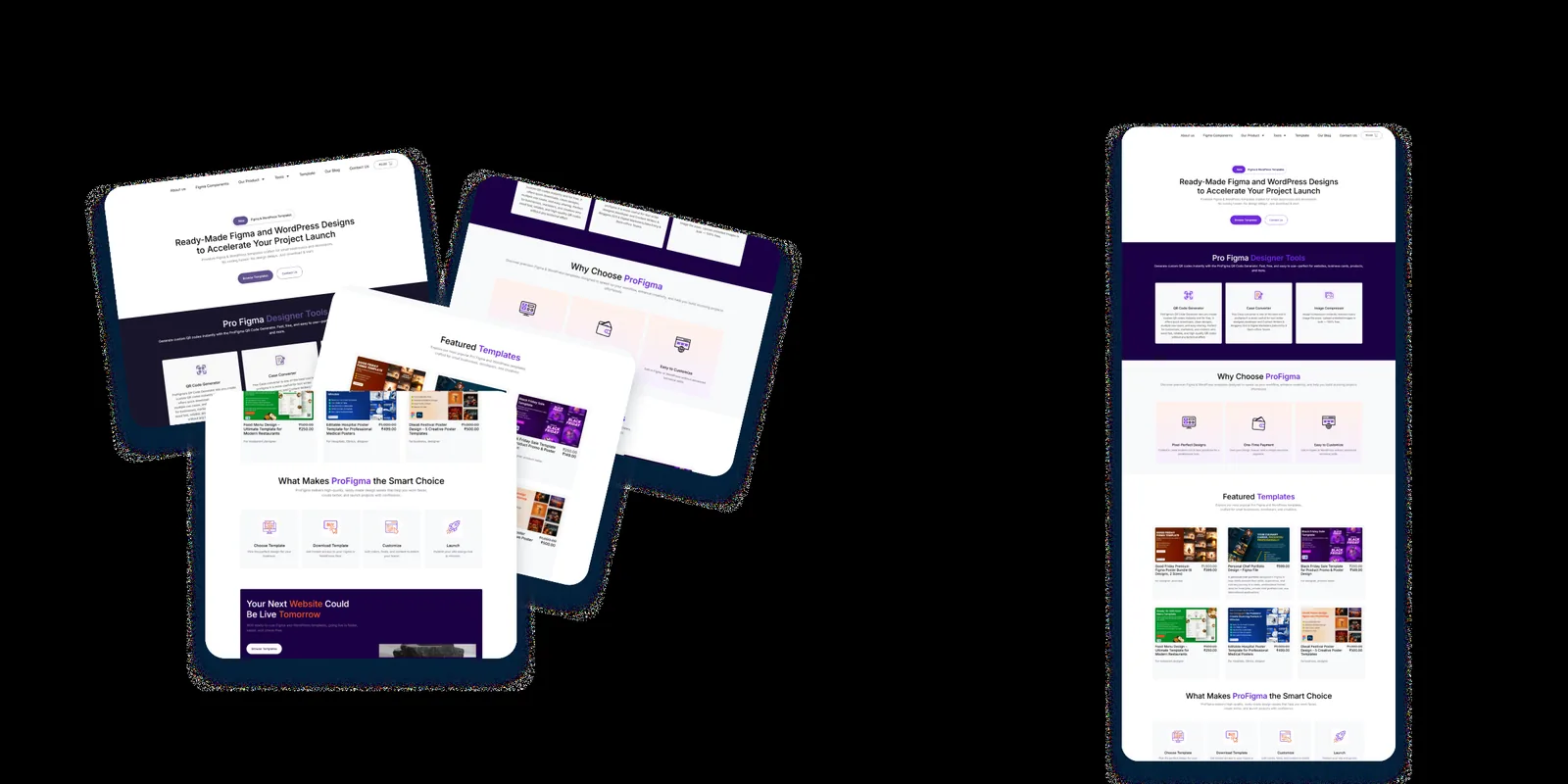
Scrolls and stitches the whole page into one image.
Scrolling panels
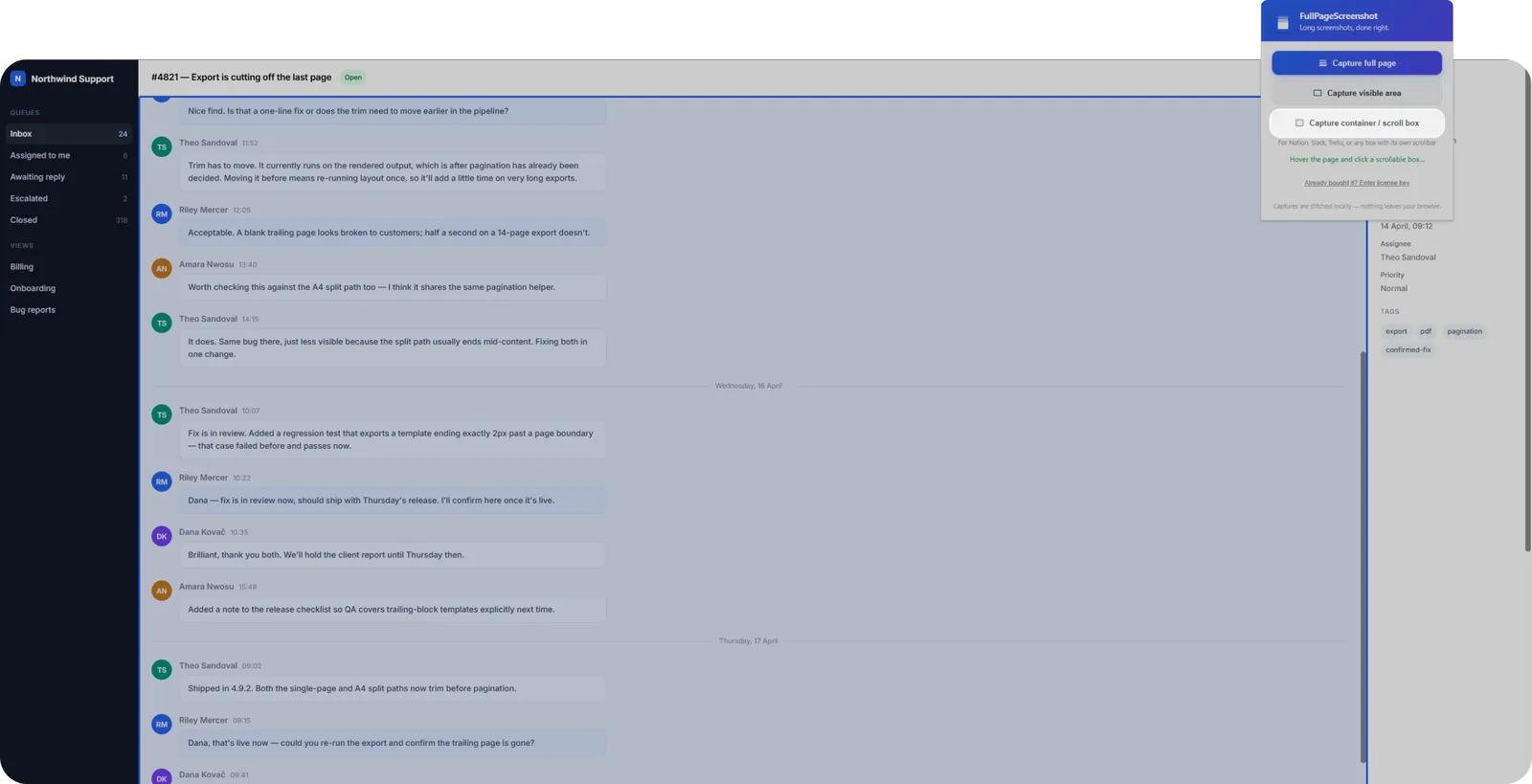
Captures a chat pane, table or sidebar that scrolls inside the page.
Manual stop
End a capture any time on endless-scroll pages.
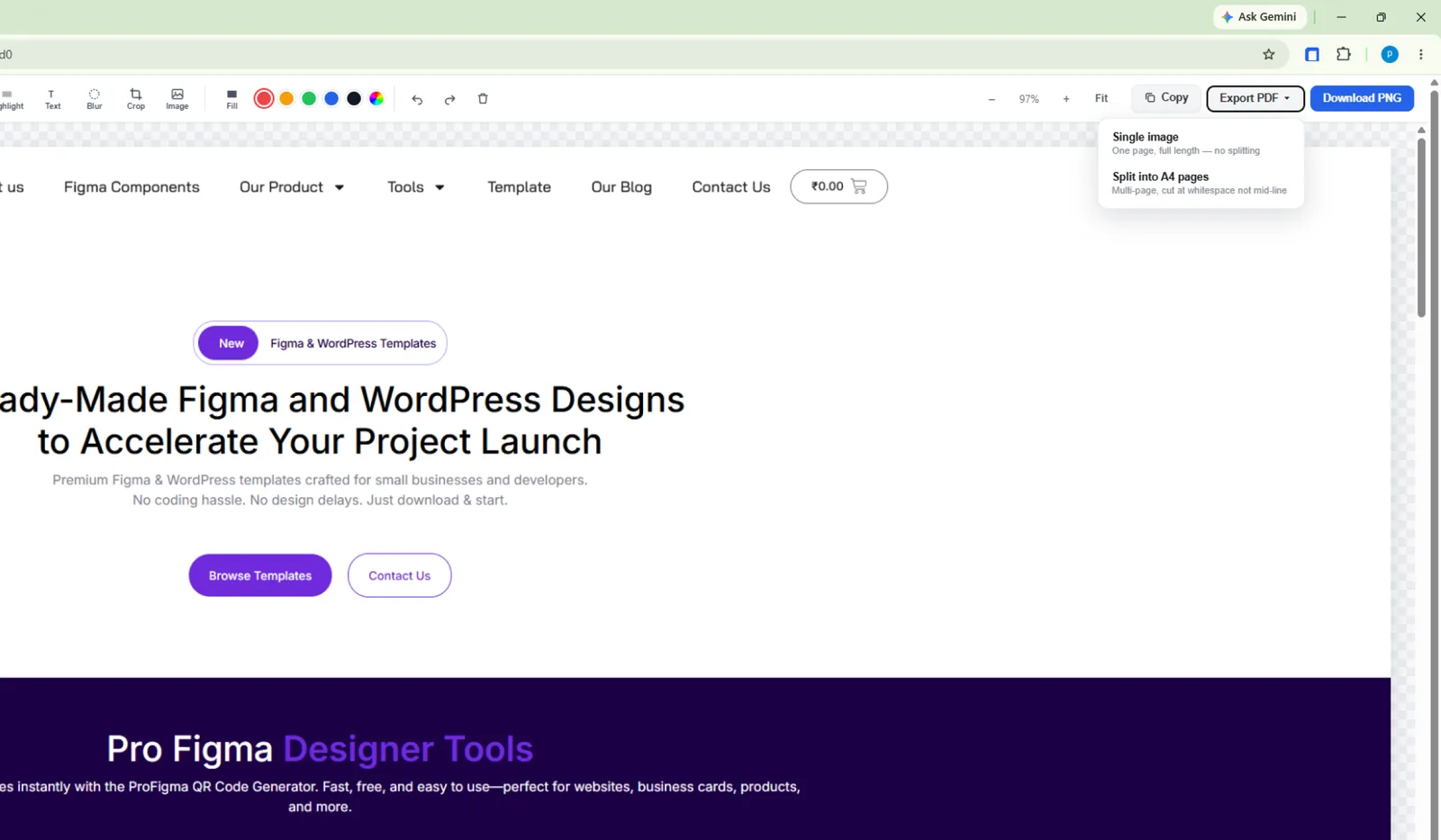
Built-in editor
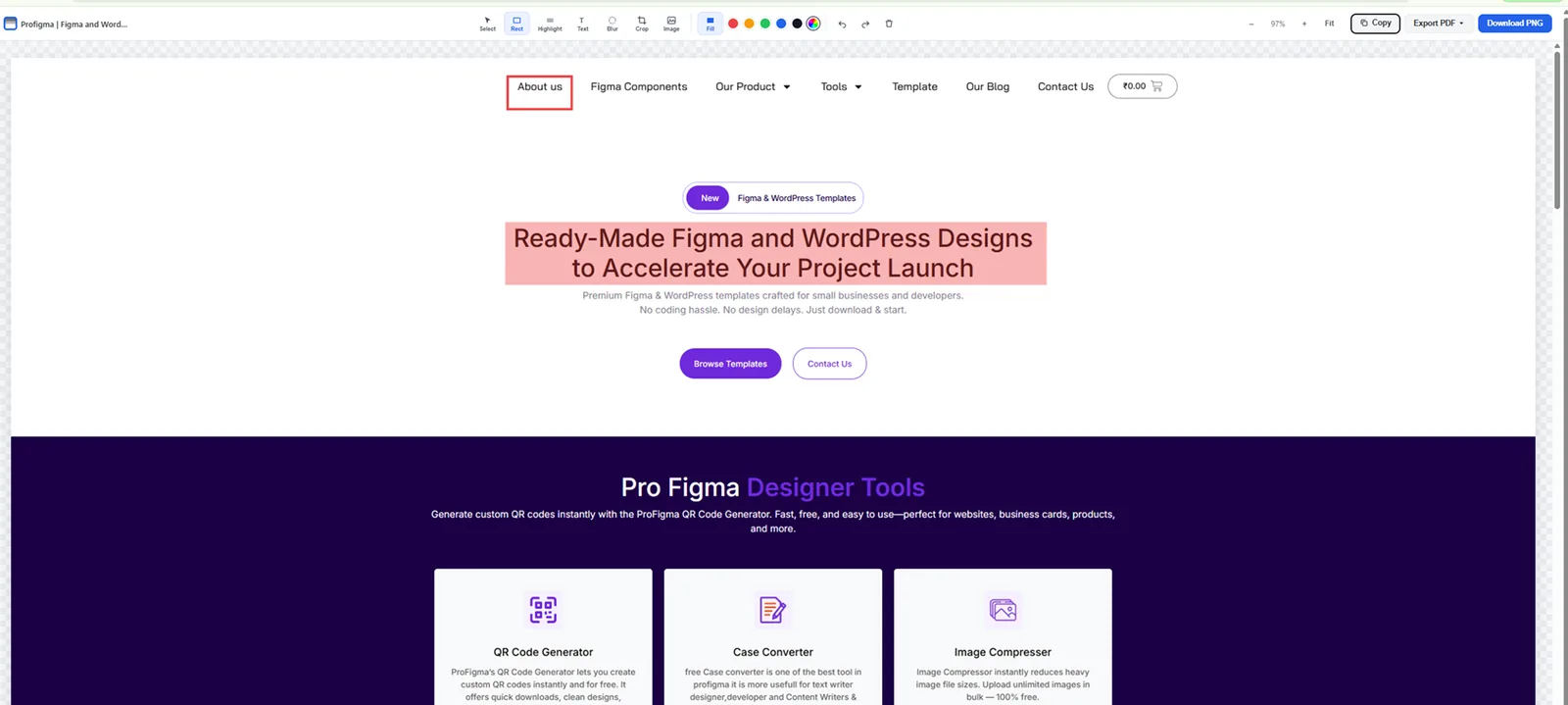
Highlight, boxes, text, blur private details and crop.
PNG or PDF
Save the result without leaving the tab.
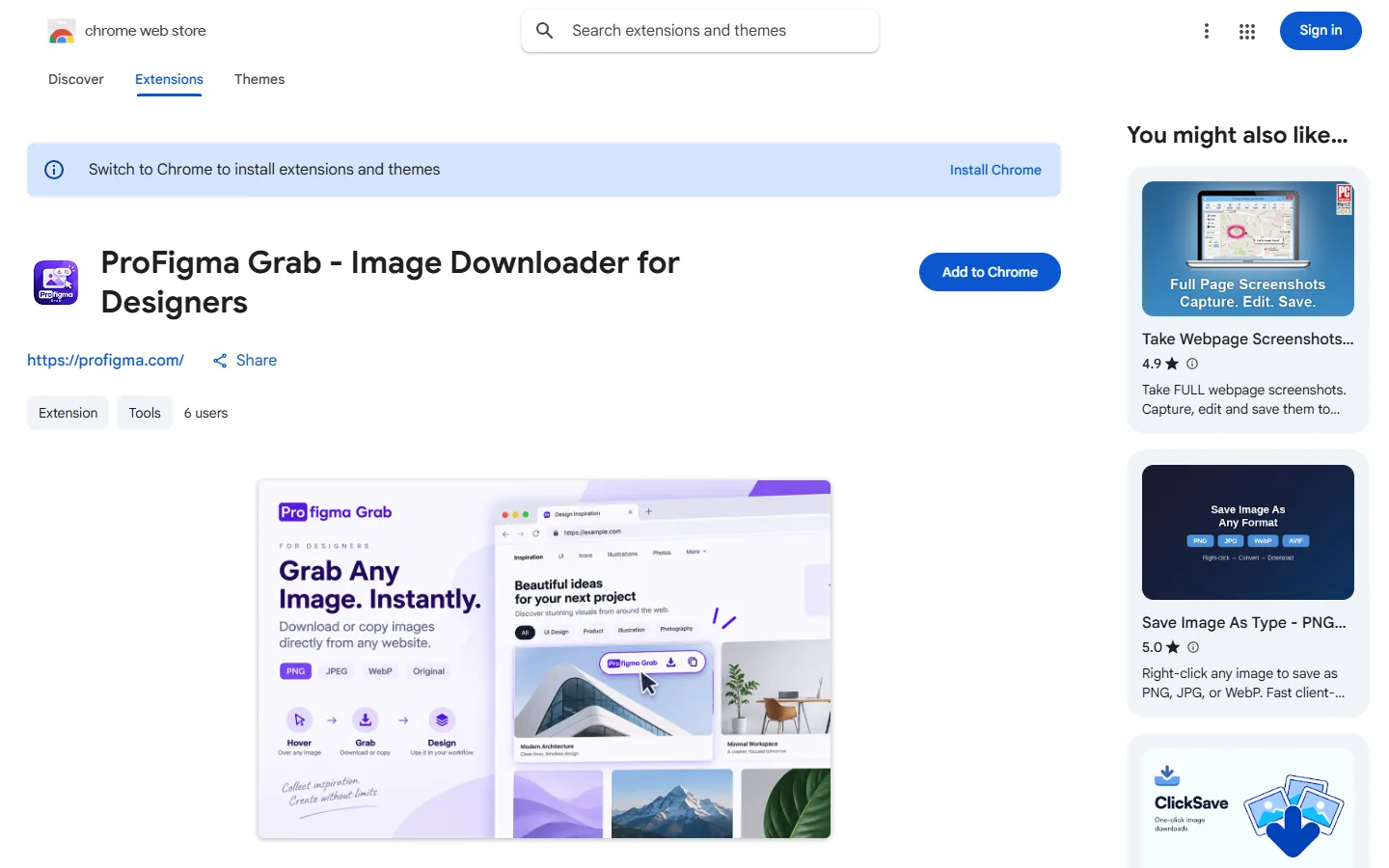
Hover to download
Download any image as PNG, JPEG, WebP or the original.
Copy for Figma
Copy an image straight to the clipboard and paste it into Figma.
Finds every image
Responsive images, CSS backgrounds, canvas and embedded frames.
Key decisions
What I chose, why, and what it cost.
Two extensions, not one
Capturing pages and grabbing images are different jobs. Two small tools are easier to understand and to describe in the store.
CostTwo listings to keep up to date.
Capture scrolling panels, not just the page
Chat apps and dashboards scroll inside a box. A container picker captures that box in full, which normal full-page tools miss.
CostEach website builds its scrolling differently, so it needed lots of testing.
Hover controls instead of right-click
Grab shows small buttons when you hover an image. No menus, no new tabs.
CostThe buttons must never cover the page, so their position can be changed.
Skip small images by default
A minimum size setting ignores icons and avatars, so you only see the images you came for.
CostSomeone who wants an icon has to lower the setting.
Screens
FullPageScreenshot's capture and editor, and ProFigma Grab. Click any image to see it full size.
What was messy
It didn't go in a straight line.
Websites fight full-page capture: sticky headers repeat, lazy images load late and some pages never end. Most of the work was handling those cases.
- Sticky headers repeating in stitched captures
- Images that load only when scrolled into view
- Pages that keep loading forever
- Ask early users which sites fail, then fix those first
- Add short how-to videos to both store pages
- Link the two extensions to each other inside the tools
How AI fit in
Decided
- What each extension does and doesn't do
- Every control, label and setting
- Store listing text and images
- Testing on real sites I use
Built
- Scroll, stitch and capture code
- The editor and PDF export
- Image finding and conversion
- Settings and permissions
Where it is now
Both are live on the Chrome Web Store, free.
Next: add user numbers here and fix the sites people report.