Small Figma plugins
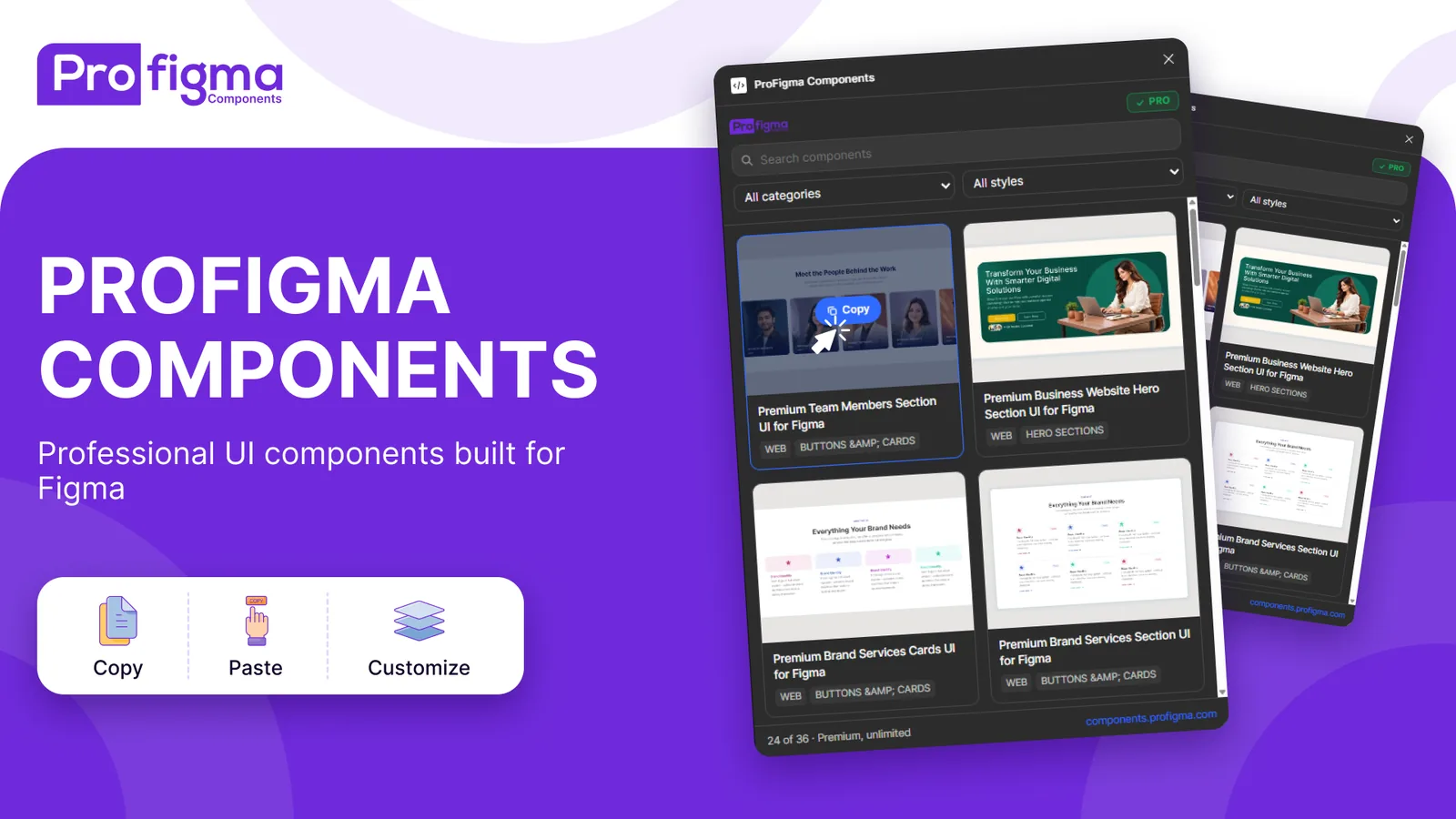
Two small, free plugins. WebP Export saves your designs as WebP files, which Figma can't do on its own. ProFigma Components puts free UI components and templates from my library right inside Figma.
The problem
Web designers need WebP images for fast sites, but Figma only exports PNG, JPG, SVG and PDF.
Converting every export in another tool is slow and easy to get wrong with sizes and names.
No WebP in Figma
Every image needs a second tool to convert.
Names and sizes
Exporting 1x, 2x and 3x with the right names takes care.
Finding components
Good free components live outside Figma.
What I built
Two plugins that each do one job, with a quiet interface that looks like part of Figma.
Quality control
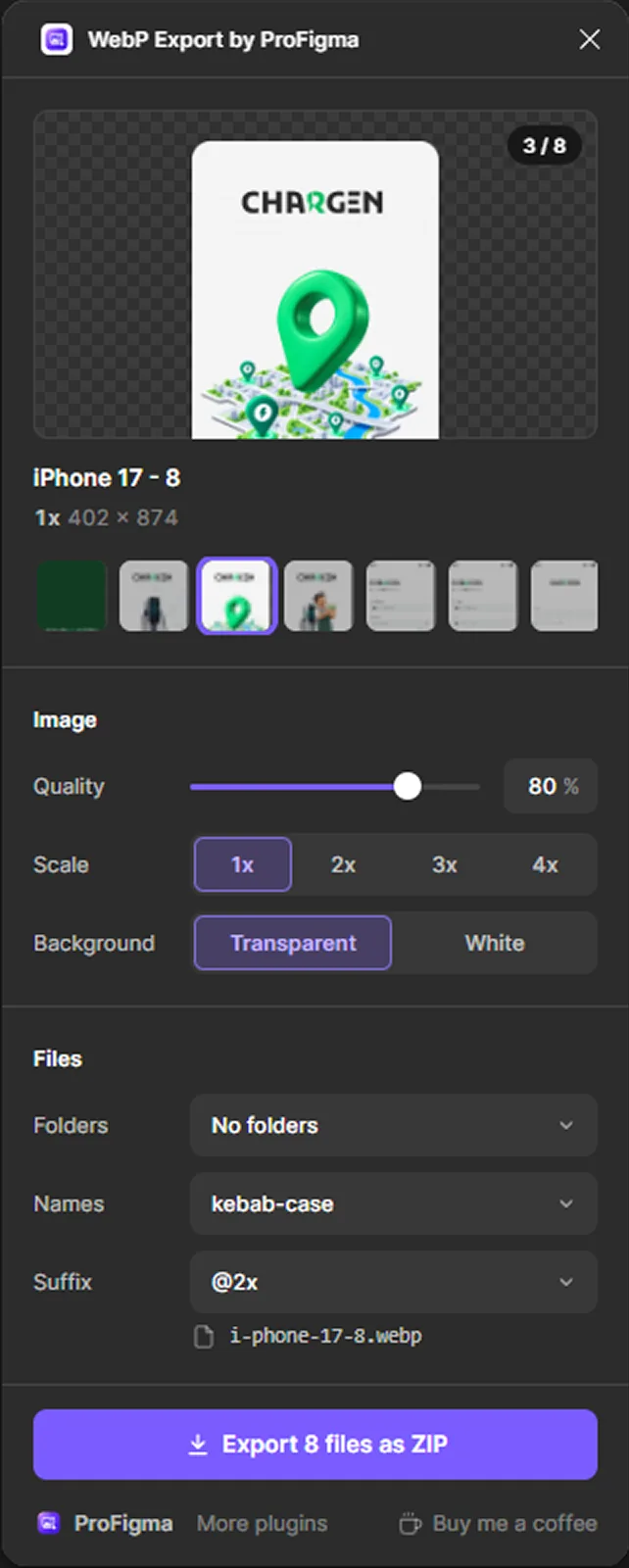
Presets plus a slider, with the saving compared to PNG.
1x to 4x at once
Export several sizes in one go.
Folders and names
By size, by layer, Android or iOS folders, kebab or snake case.
Copy HTML
Copies an img tag with srcset for web developers.
Smart files
One file saves as .webp, two or more save as one ZIP.
Free library
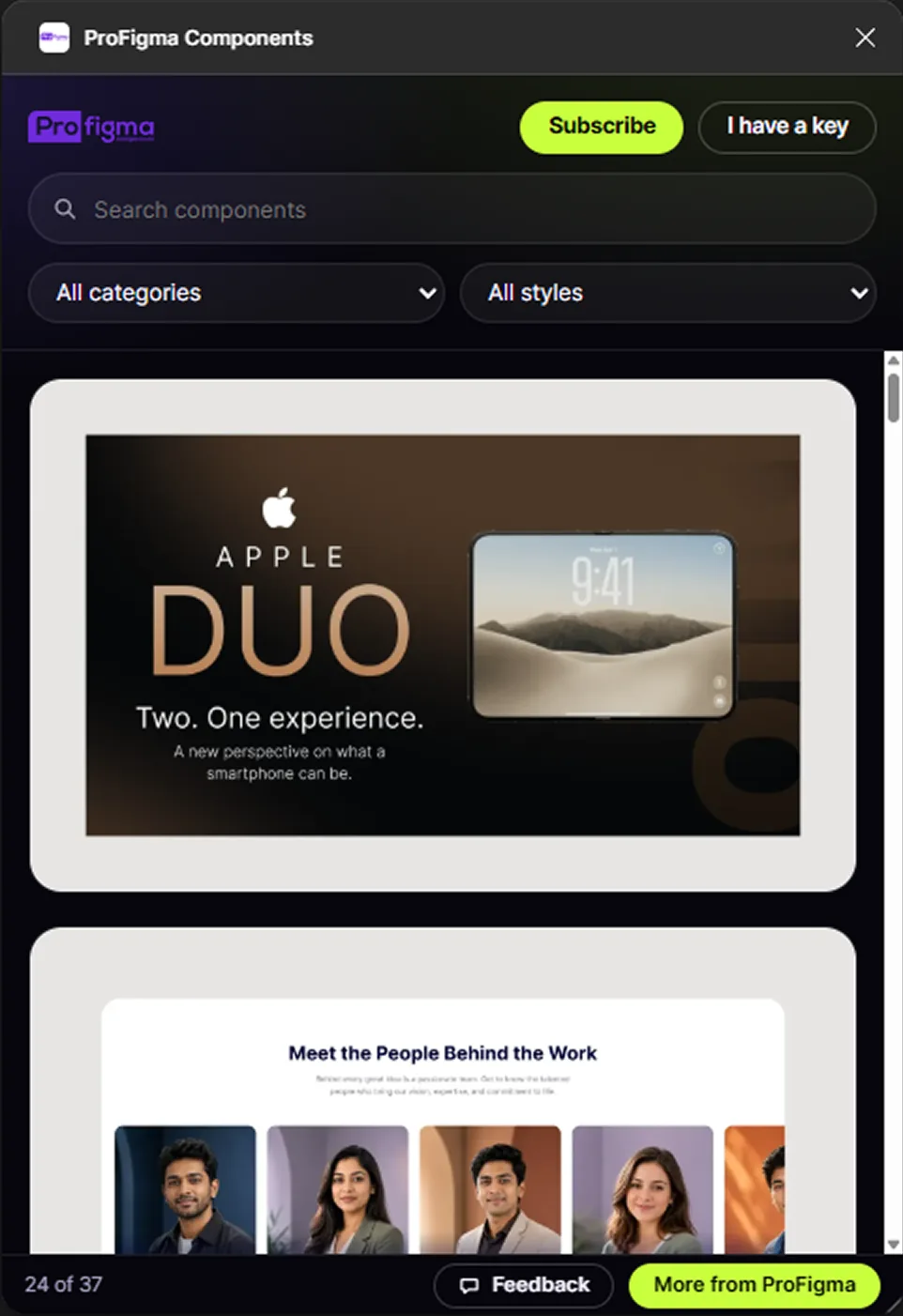
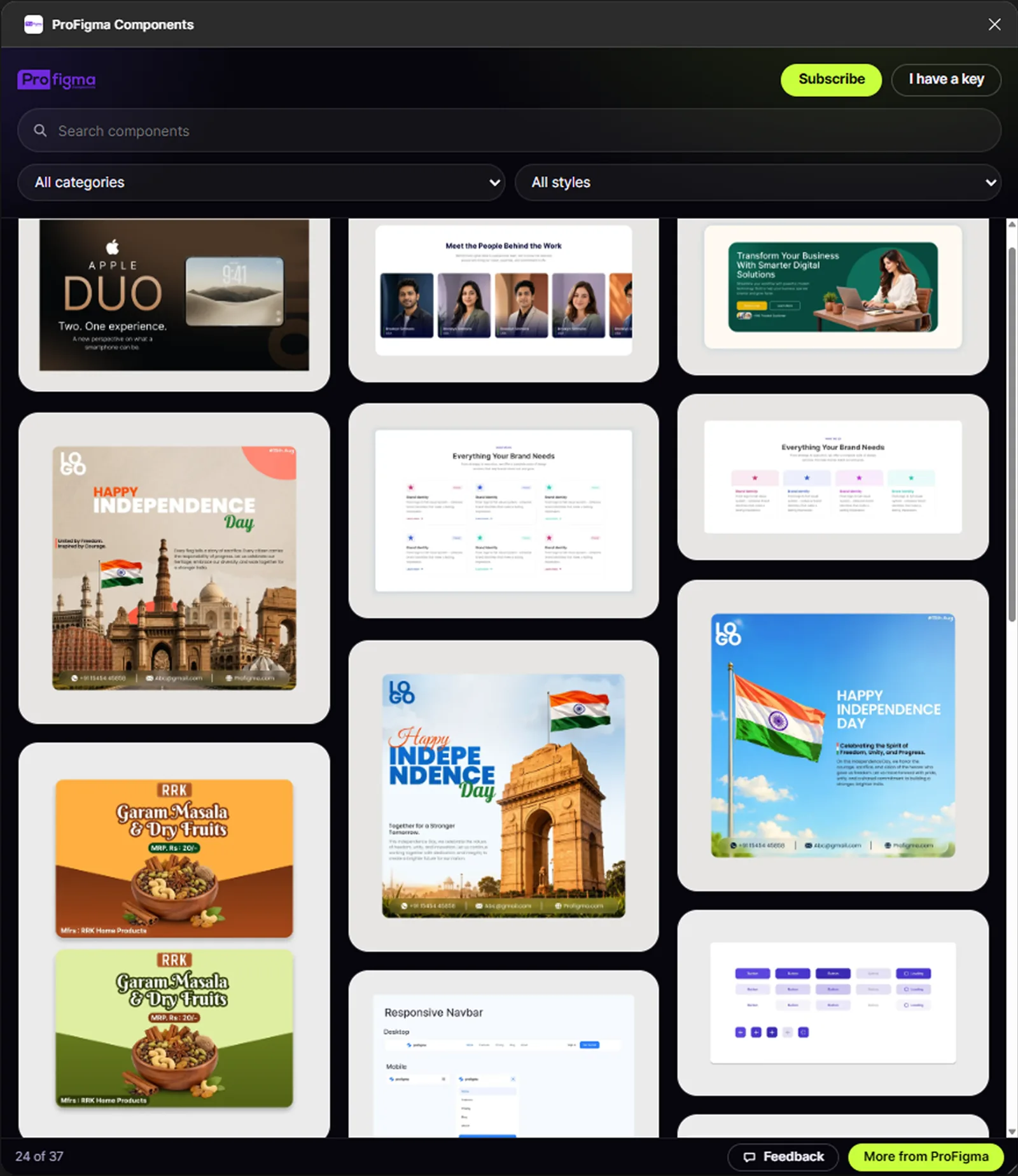
UI components, landing pages and templates from ProFigma.
Insert in one click
Browse inside Figma and drop a component onto your canvas.
Free
No account and no paywall for the core use.
Key decisions
What I chose, why, and what it cost.
WebP Export is fully free
WebP export alone won't sell. It's free, with an optional tip, and it brings designers to ProFigma.
CostNo direct income from the plugin.
One file or one ZIP, nothing else
An option to save separate files opened one save dialog per file in Figma desktop. I removed it: one file saves as .webp, more save as one ZIP.
CostFewer options for people who wanted loose files.
Never block an export for something fixable
If two sizes would overwrite each other, the plugin adds an @2x suffix and shows a small note instead of an error.
CostThe plugin makes a choice for the user, so the note has to be clear.
Look like part of Figma
After feedback that the first version felt cheap, I rebuilt it with Figma-style rows, a real image preview and clear selected states.
CostA second round of design and build.
Screens
Both plugins inside Figma. Click any image to see it full size.
What was messy
It didn't go in a straight line.
Small plugins still need several rounds. The first WebP Export design looked fine to me and cheap to users, so I rebuilt it.
- Figma plugins can't pick a folder on your computer
- Selected and unselected buttons looked the same in dark mode
- Keeping the interface tiny without hiding options
- Test the first design with two or three designers
- Plan the ZIP-only export from the start
- Add the tip link more quietly
How AI fit in
Decided
- What each plugin does and leaves out
- Every control and label
- The redesign after feedback
- Free and tip model
Built
- WebP encoding and ZIP files
- Export naming and folders
- Component browsing and insert
- Settings that remember your choices
Where it is now
Both plugins are free on Figma Community.
Next: add user numbers here and grow the components library.