MeshShot
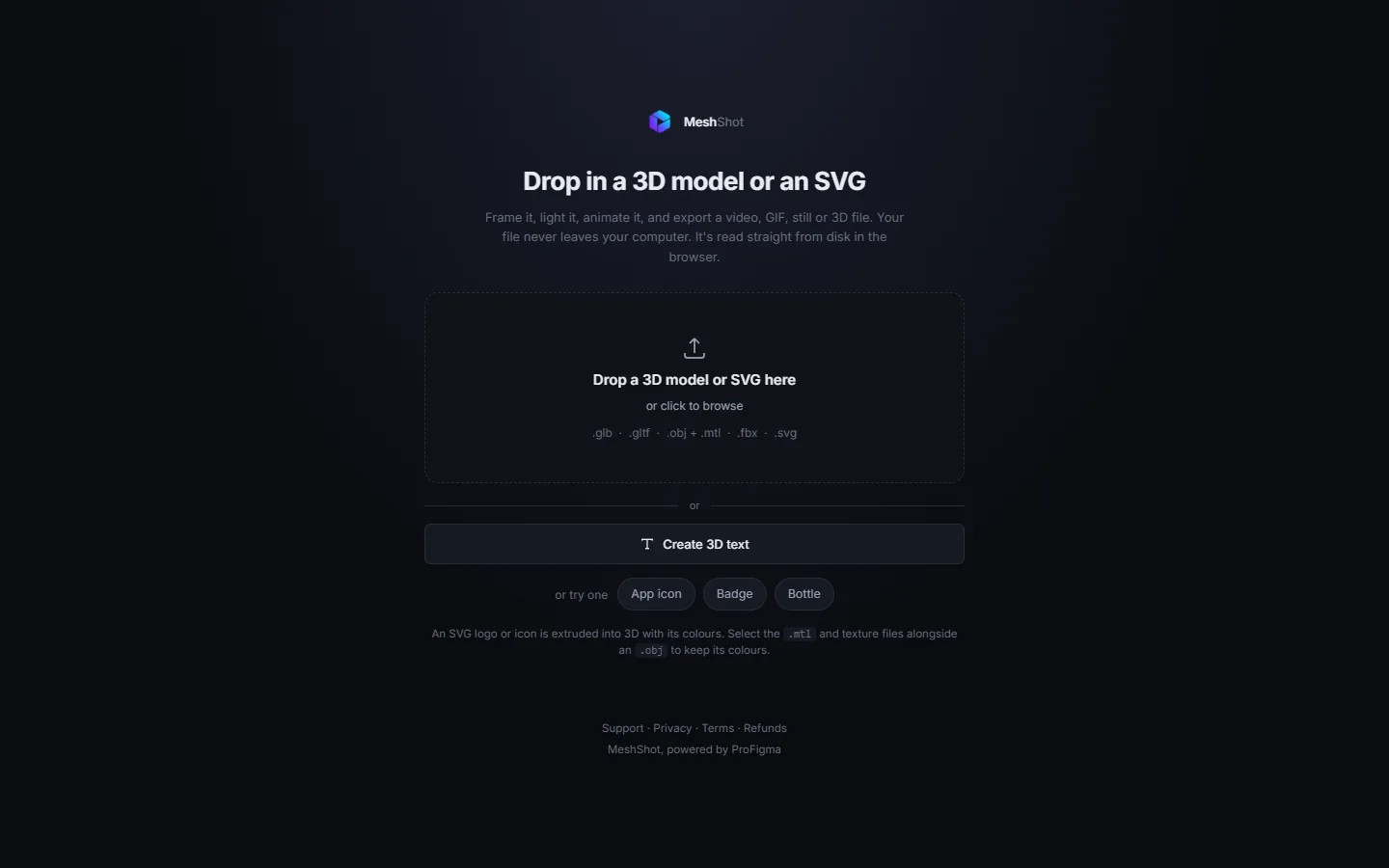
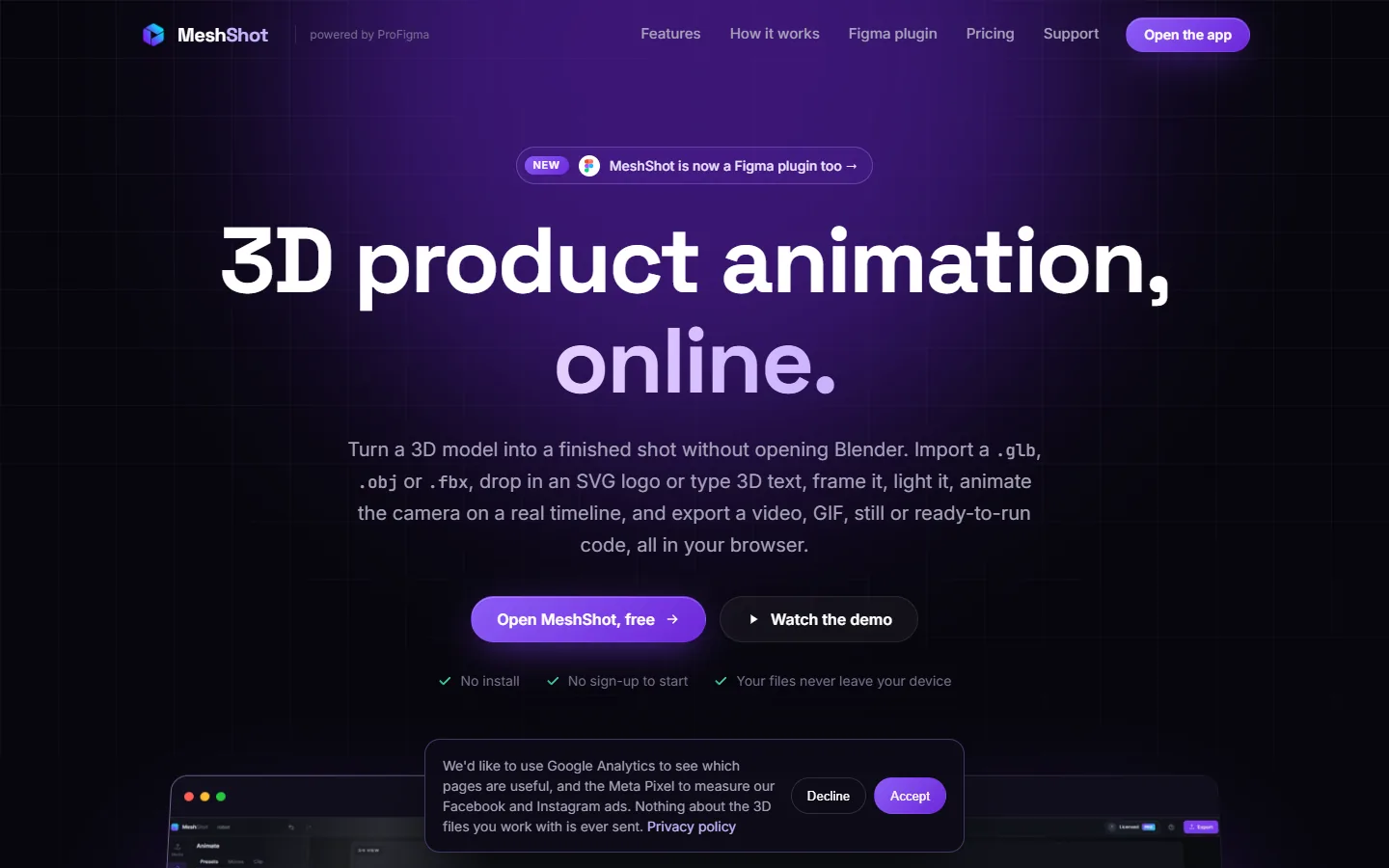
A small 3D studio for designers. Drop in a 3D model, an SVG logo or a line of text, move the camera on a timeline and export a still, GIF or video. It runs as a web app and inside Figma.
The problem
A landing page or an ad often needs a product that turns, floats or shines. Getting that shot usually means learning a 3D program, and that takes weeks.
Designers I know wanted the result, not a new skill. They also didn't want to upload client models to a random website.
3D tools are heavy
Too many panels and settings for one turning product shot.
Client files are private
Uploading a model of an unreleased product to an unknown site is a risk.
Too much switching
Render in one app, convert in another, then place it in Figma.
What I built
One engine, two doors: a web app for the full timeline, and a Figma plugin that drops the result straight onto your canvas.
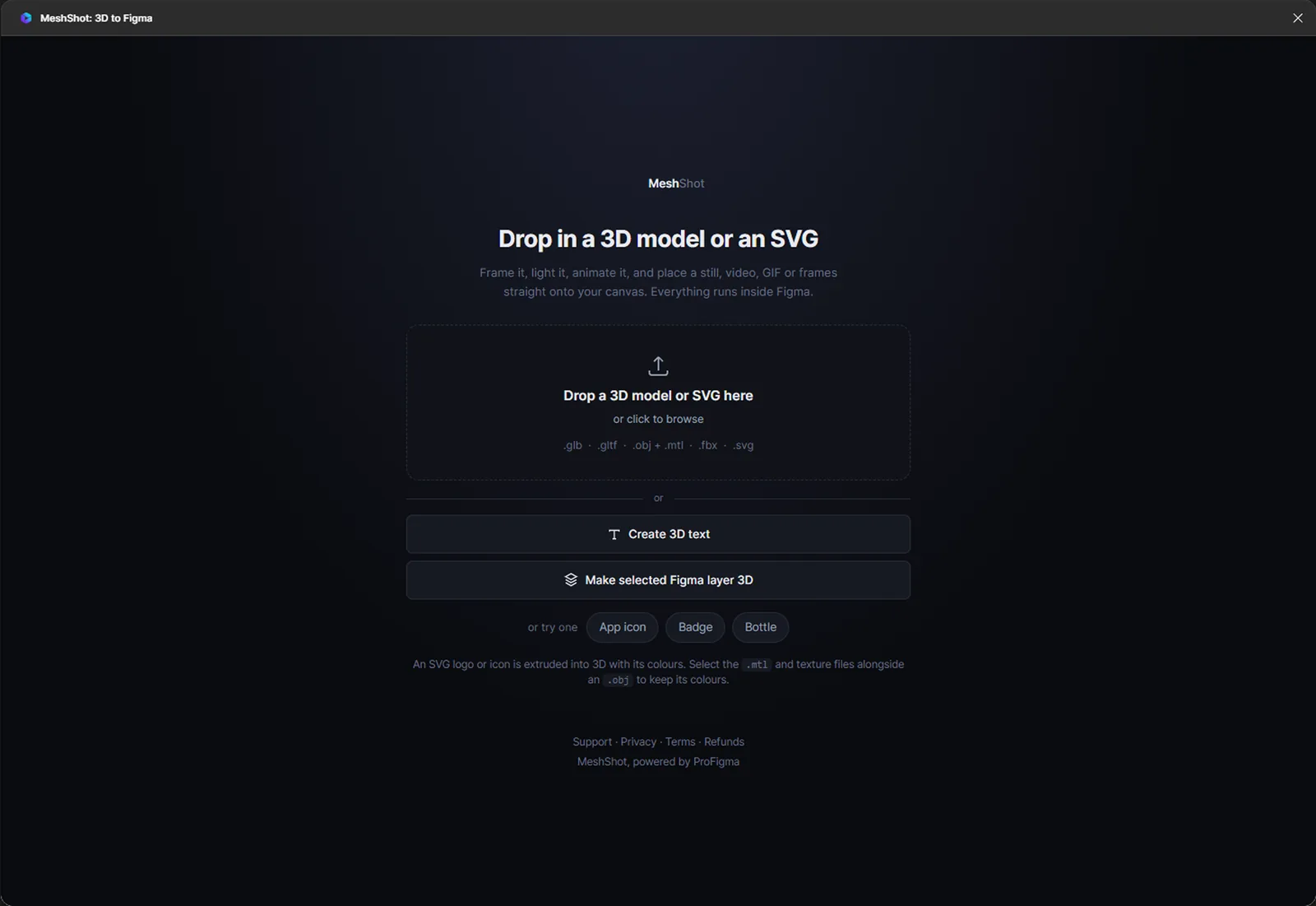
GLB, glTF, OBJ, FBX
Drag and drop. OBJ keeps its materials and textures.
SVG logos and text
An SVG logo is extruded in its own colours. Text works in any font.
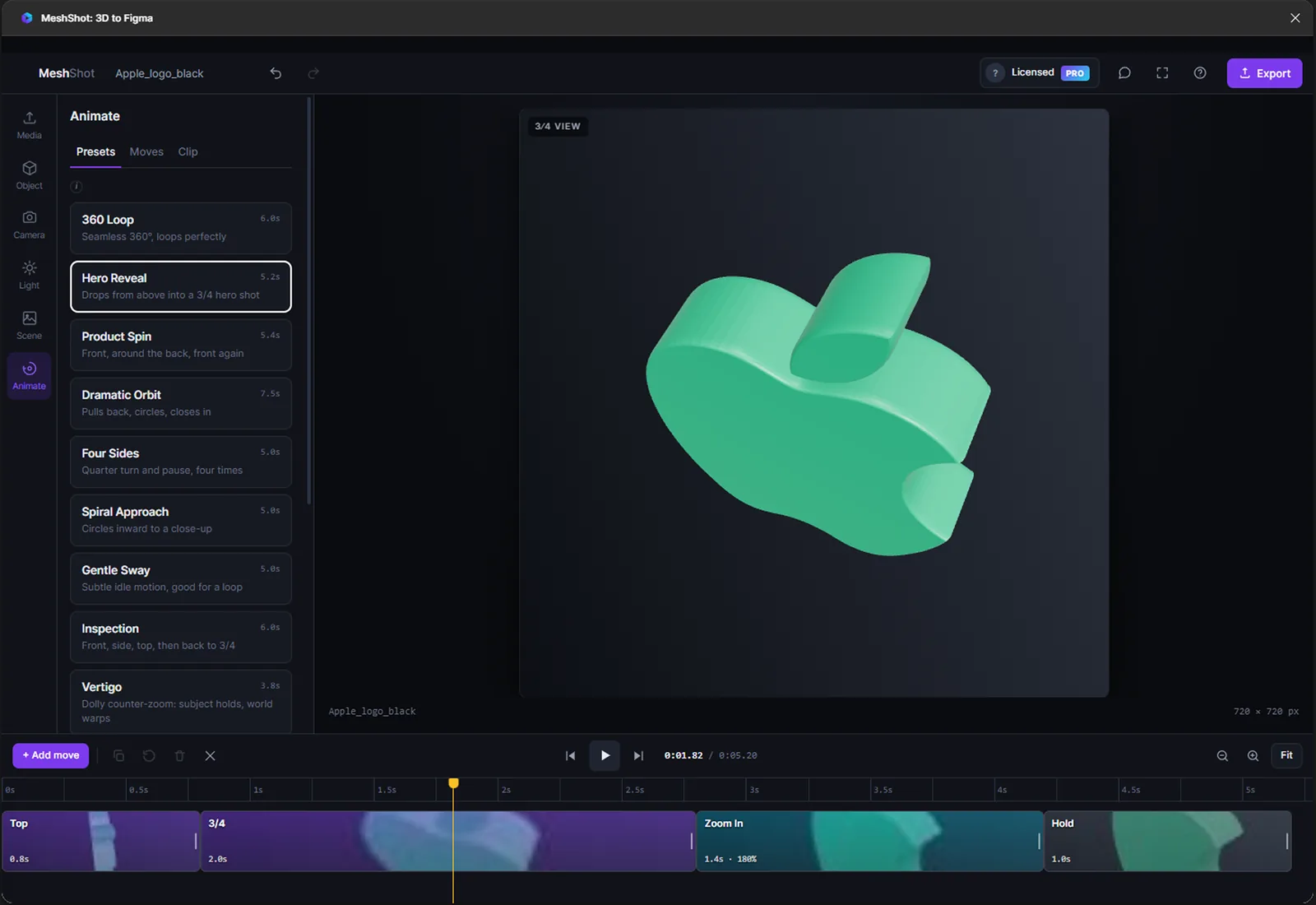
18 camera moves
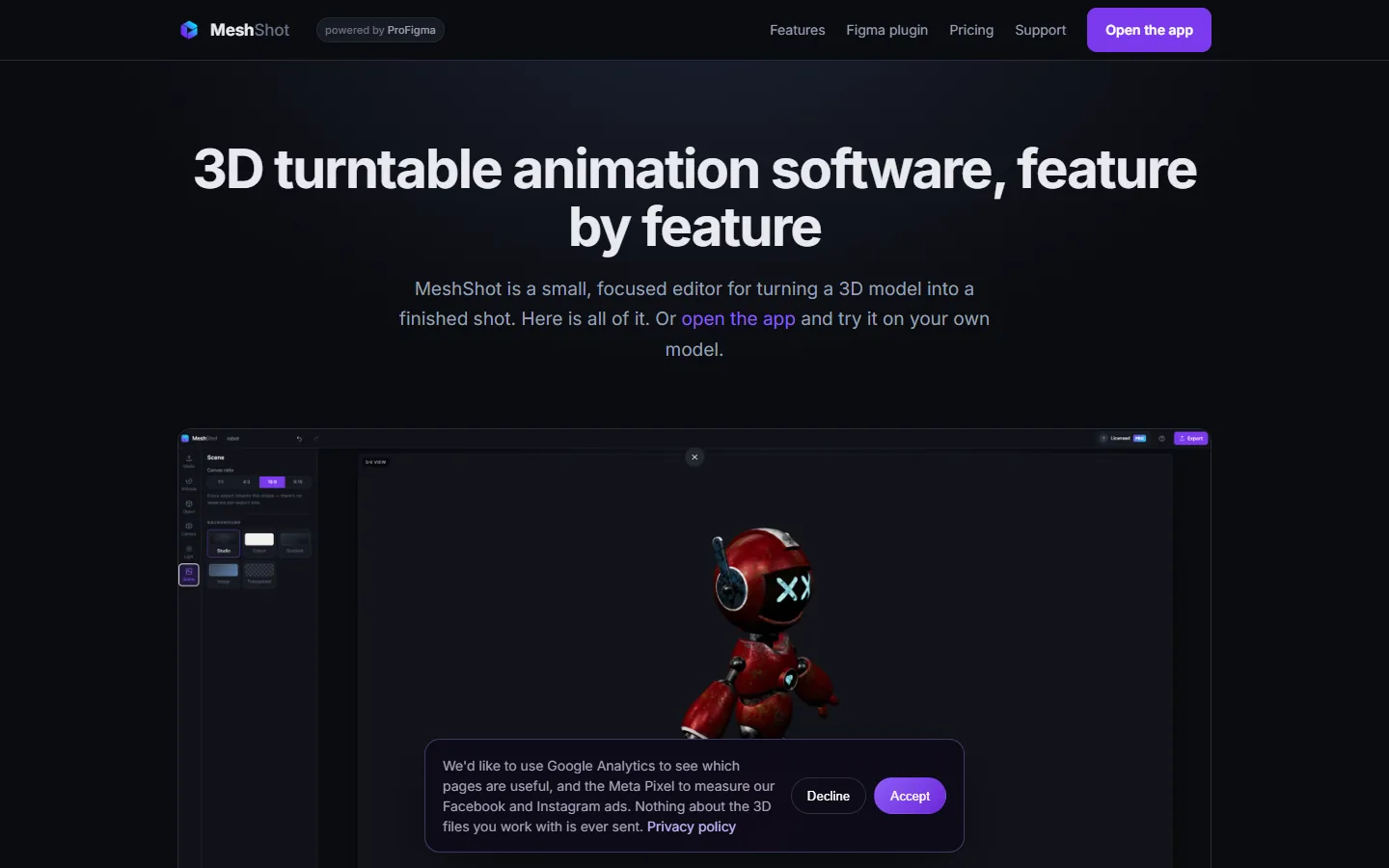
One-click sequences on a real timeline you can drag and stretch.
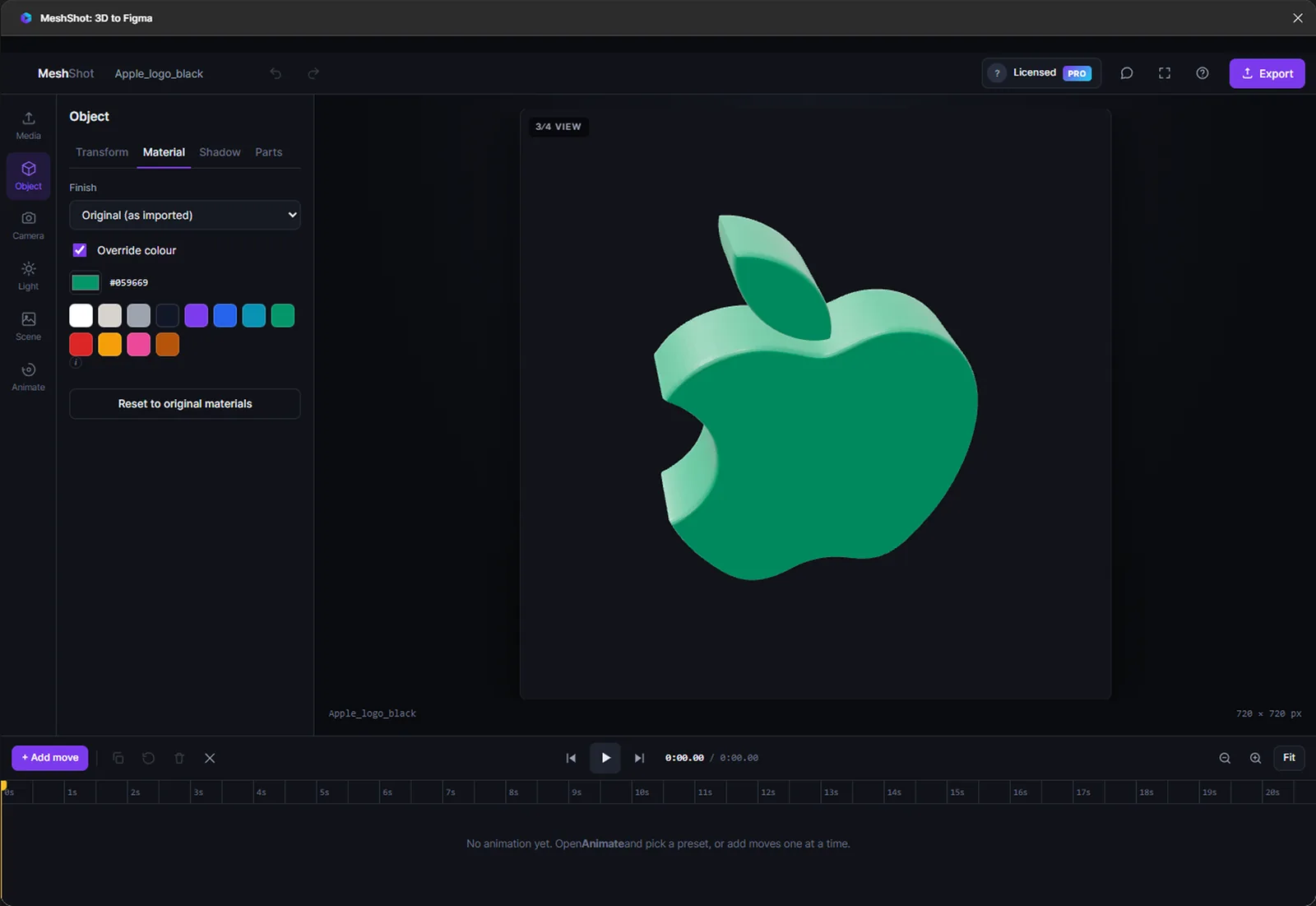
Finishes and light
Matte, Clay, Glossy, Metallic or Chrome, studio lights and soft shadows.
4 ratios
1:1, 4:3, 16:9 and 9:16. Every export follows the one you pick.
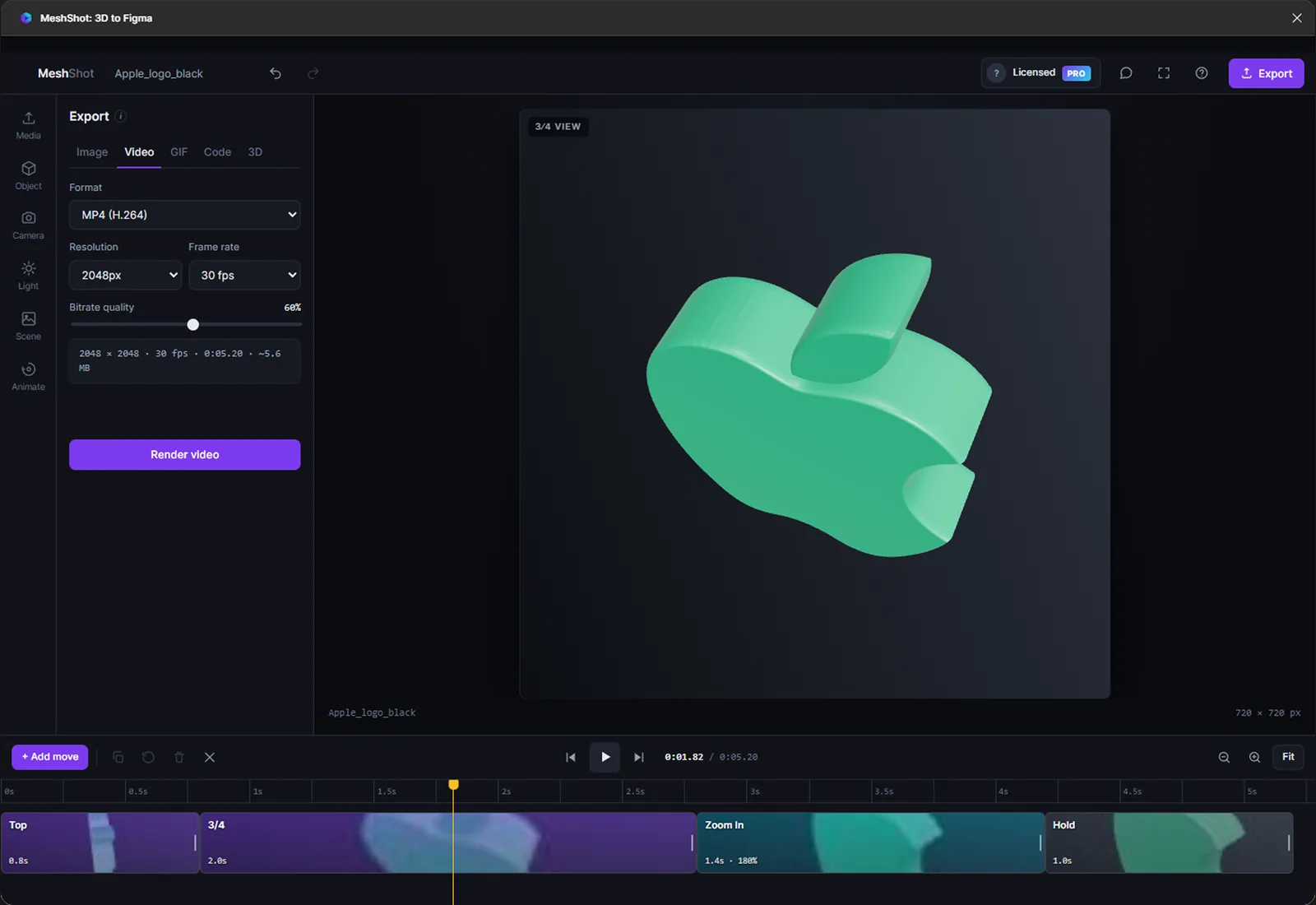
Video, GIF, PNG
MP4, WebM, transparent GIF, PNG up to 8192px, or Three.js code.
Straight to canvas
Snapshot, video or GIF placed on your frame without leaving Figma.
Files stay local
Models are read on your computer and never uploaded.
Key decisions
What I chose, why, and what it cost.
Files never leave the device
Models are read in the browser, not uploaded. Designers can use client files without asking anyone, and I have no storage bill.
CostBig models depend on the user's own computer, so a weak laptop feels slow.
A real timeline, not a list of steps
Camera clips sit on a time ruler. You drag to reorder, pull an edge to change length and scrub to any frame, like a video editor designers already know.
CostMore interface to design and explain than a simple preset list.
Presets first, controls second
A first shot should take under a minute: import, pick a camera sequence, export. Fine controls are there, one level down.
CostExperts may find the defaults too simple at first.
One panel inside Figma
Plugin windows are small, so the plugin is a single scrolling panel with ten controls, top to bottom. The full timeline lives in the web app.
CostTwo layouts of the same product to keep in step.
Free to start, Pro for big exports
Anyone can open it and make a shot with no sign-up. Pro is for large PNGs and heavier export work.
CostFewer people pay than with a hard paywall, so it needs more users.
What was messy
It didn't go in a straight line.
3D in a browser tab works, until someone drops in a model nobody planned for. A lot of the work was handling files that were bigger, older or odder than expected.
- Export faster than real time, without freezing the page
- OBJ files that need their .mtl and textures picked together
- Keeping the plugin and the web app in step
- Show a short guided first run, not just presets
- Add sample models people can try before importing their own
- Get usage numbers in early to see which camera moves people use
How AI fit in
Decided
- Who it's for and what to leave out
- Every screen, label and preset name
- Pricing and the free limits
- The promo video and website copy
- Testing with real product models
Built
- The 3D engine and timeline
- Import for each file format
- Video and GIF export
- The Figma plugin version
- The website pages
Where it is now
Live on meshshot.com and on Figma Community, with a promo reel made in HyperFrames.
Next: add usage numbers here and more camera sequences based on what people pick.