MotionShot
Two Figma plugins that make designs move. MotionShot Text animates headlines and logos. Landing Page Animator turns 150+ section templates into GIFs, videos and Figma Motion timelines.
The problem
A moving headline or an animated hero section makes a post or a landing page stand out. In Figma, making one means leaving Figma.
Designers end up in a video editor or a motion tool for a five-second clip, then bring a file back. I wanted the motion to happen where the design already is.
Motion lives elsewhere
Simple text animation still needs a separate app and an export round trip.
Blank-page problem
Most people don't know where to start with timing and easing.
Hard to hand off
A video file can't be edited later or used on a website.
What I built
Two plugins that share the same engine and the same way of working: pick a template, change the words, tune the motion, export.
45+ presets
Hero titles, 3D roll, typewriter, marquee, word swap, counters, glitch and logo presets.
26 templates
Launch, event, countdown, testimonial, stats. Text always fits the canvas.
Real timeline
Drag effects onto text, move, stretch, split and trim clips. Undo everything.
Any font
Every font on your computer and Google Fonts, with gradient, outline and text on a curve.
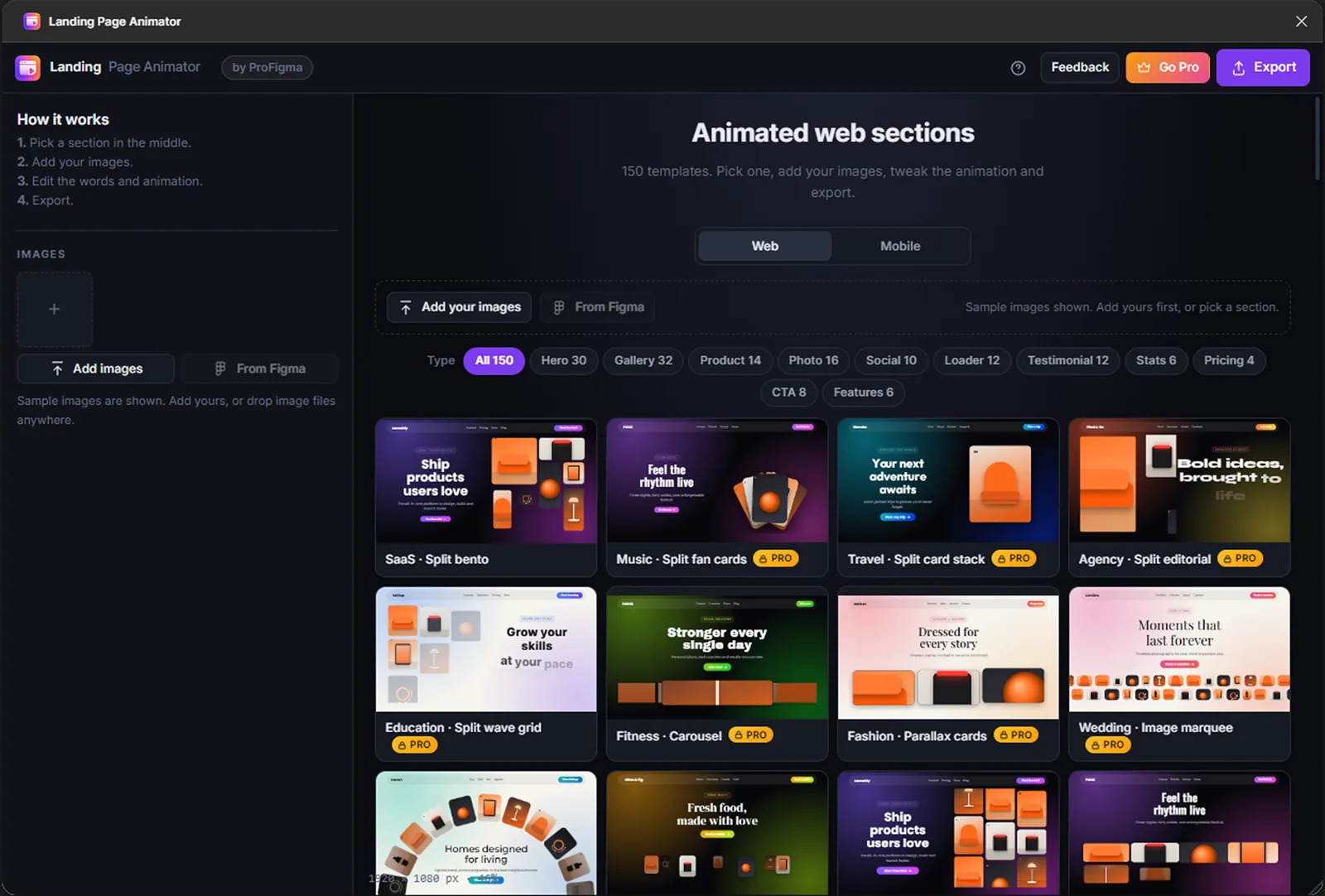
150+ templates
Heroes, galleries, pricing, stats, FAQ, team, logo strips and footers.
Web and Mobile
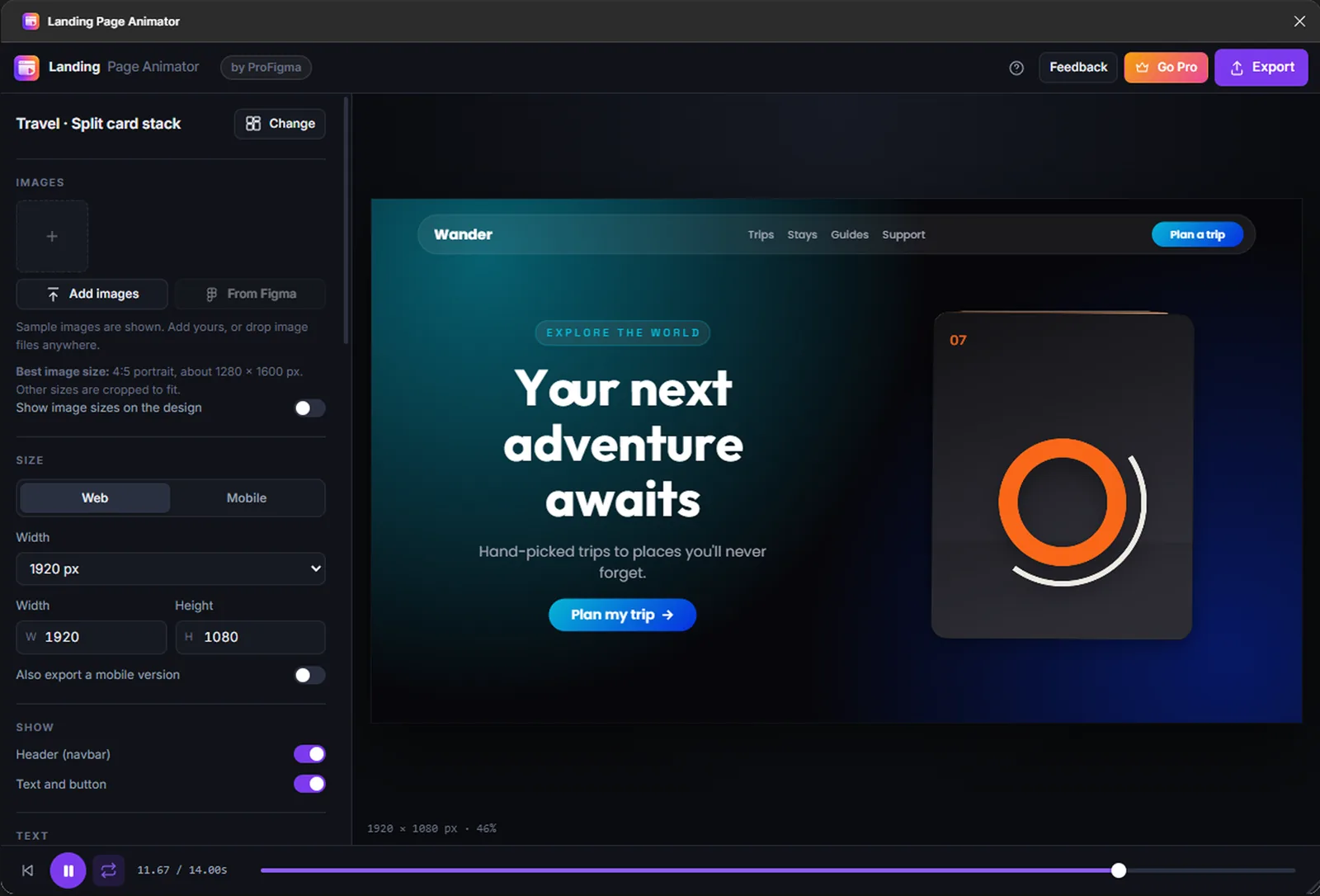
Every section has both layouts. Export both together with one tick.
Pictures placed for you
Shows the size each slot needs and puts each picture where it fits best.
Anywhere
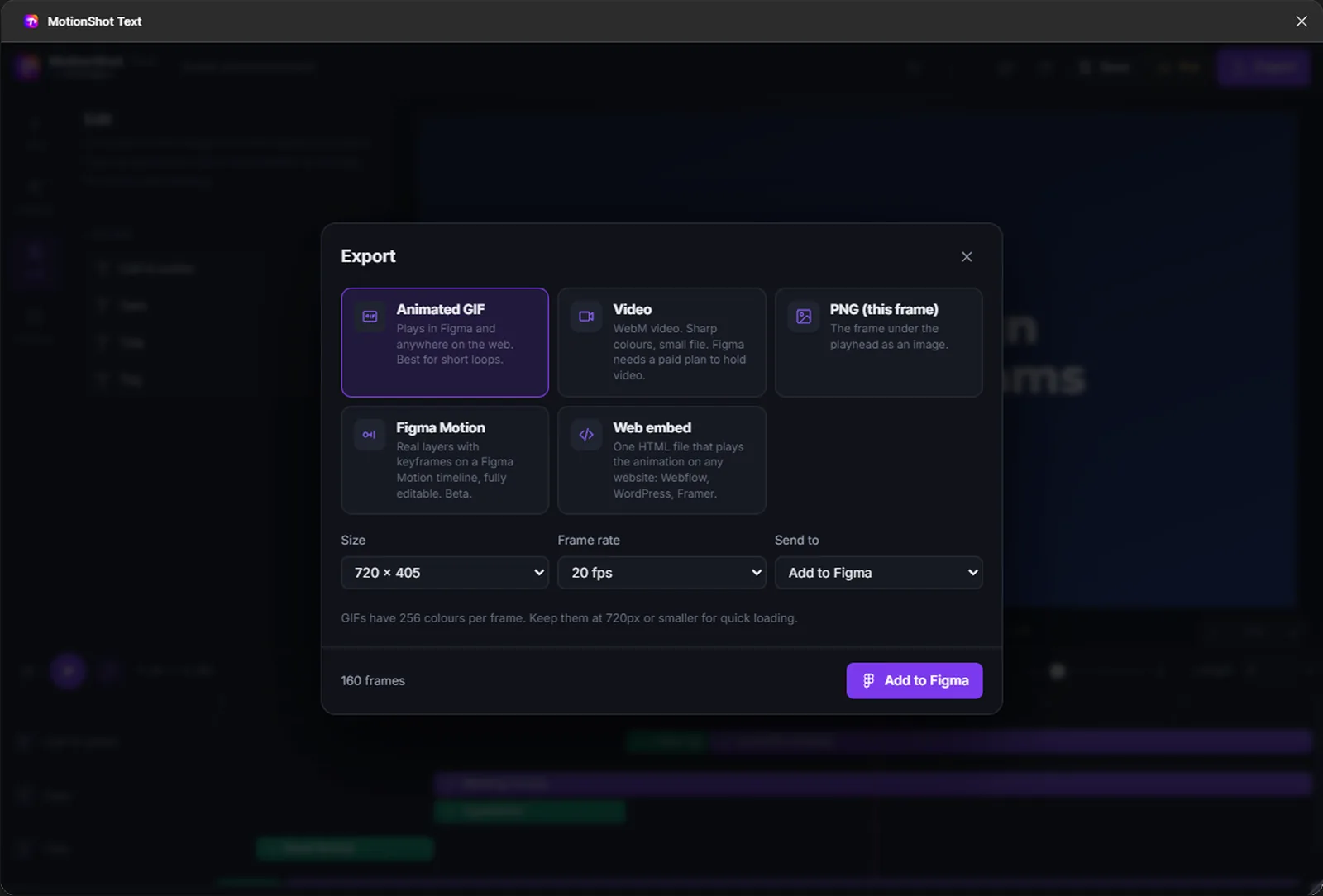
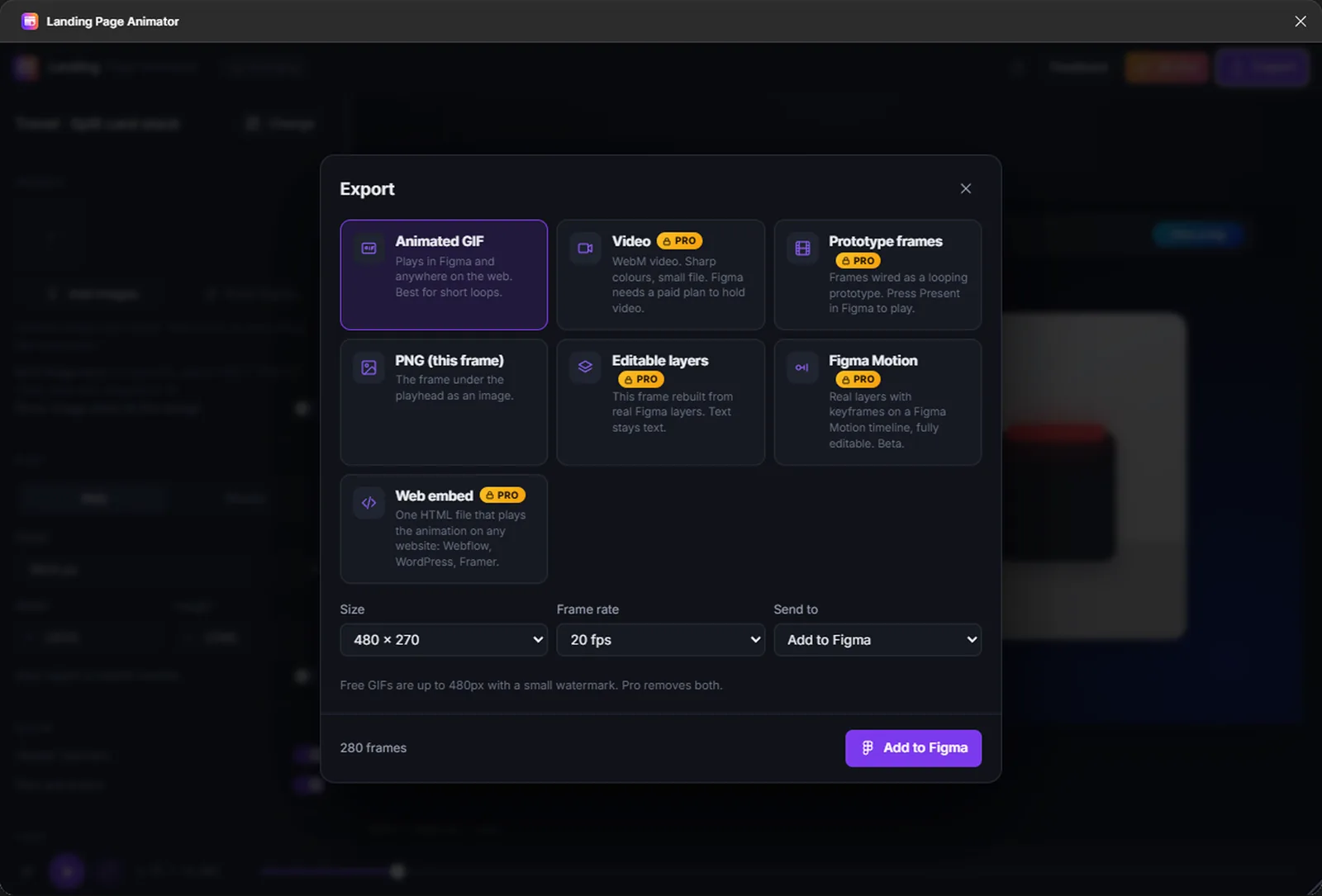
GIF, video, PNG, a Figma Motion timeline, editable layers or one HTML file.
Key decisions
What I chose, why, and what it cost.
A timeline like a video editor
Designers already know clips on a track from video apps. Dragging an effect onto text and stretching it felt more natural than a settings form.
CostA lot of interface in a small plugin window.
Try everything free, pay at export
You can use every effect and template while you design. The free plan exports smaller files with a small watermark; Pro removes the limits.
CostSome people will only ever use the free exports.
Export that stays editable
Besides GIF and video, both plugins export a Figma Motion timeline and editable layers, so the work can still be changed in Figma later.
CostMore export paths to test every time the engine changes.
A separate plugin for sections
Animated landing page sections became their own plugin instead of being added to MotionShot, so each one stays simple and does one job well.
CostTwo listings, two price plans and two sets of docs to keep up.
Text always fits
Templates measure the text and resize it, so a long headline never spills off the canvas.
CostVery long text gets small, so the templates need sensible limits.
Screens
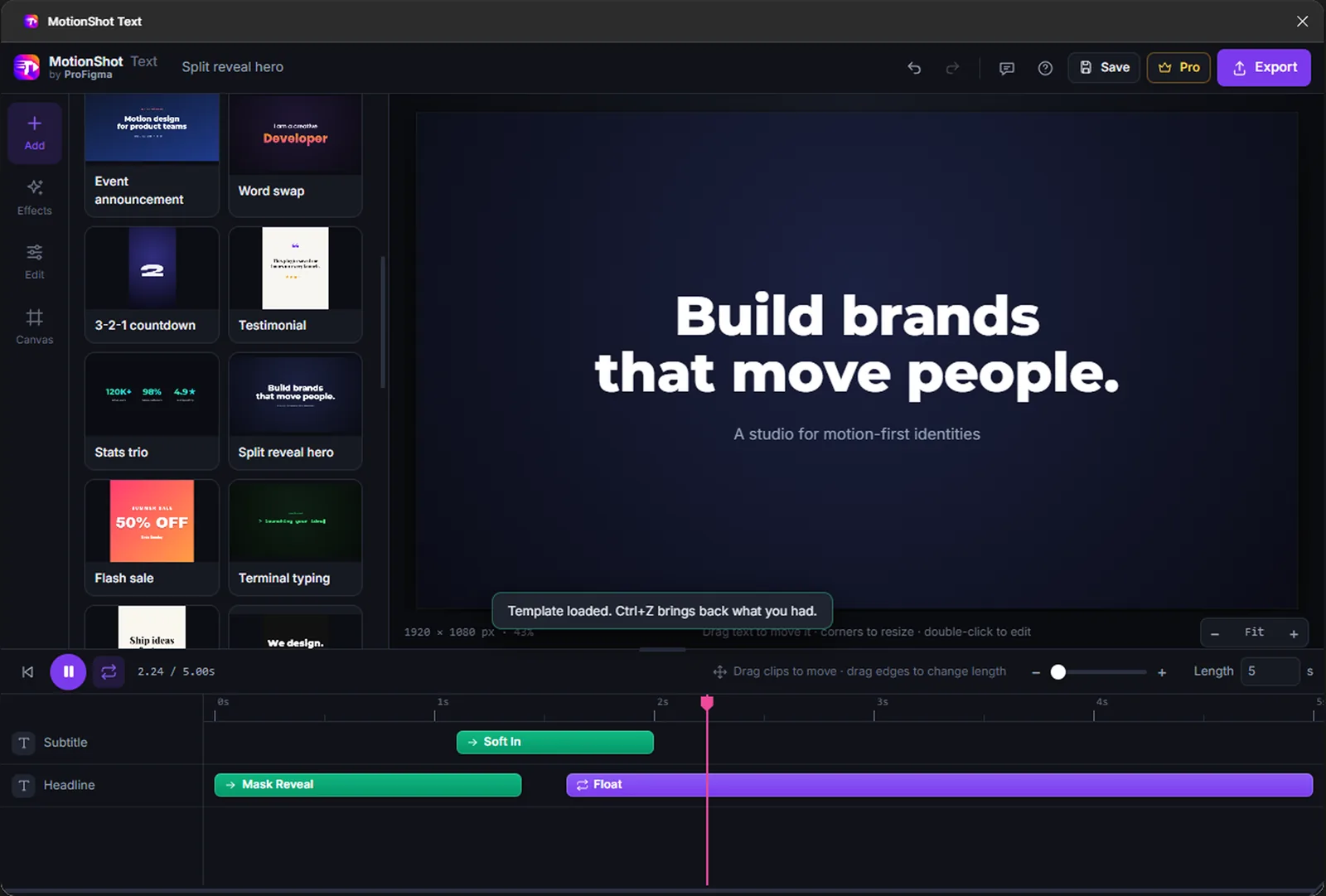
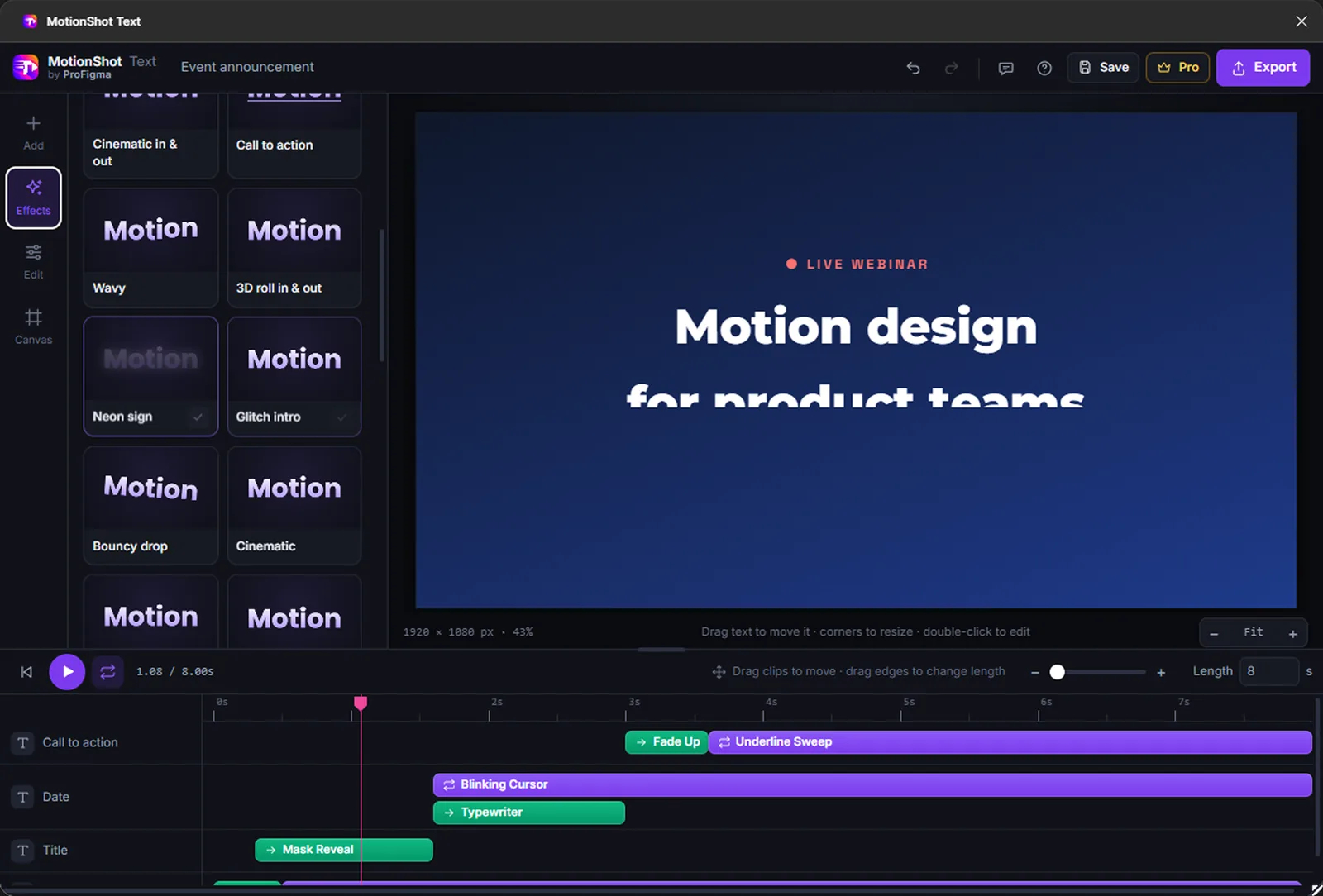
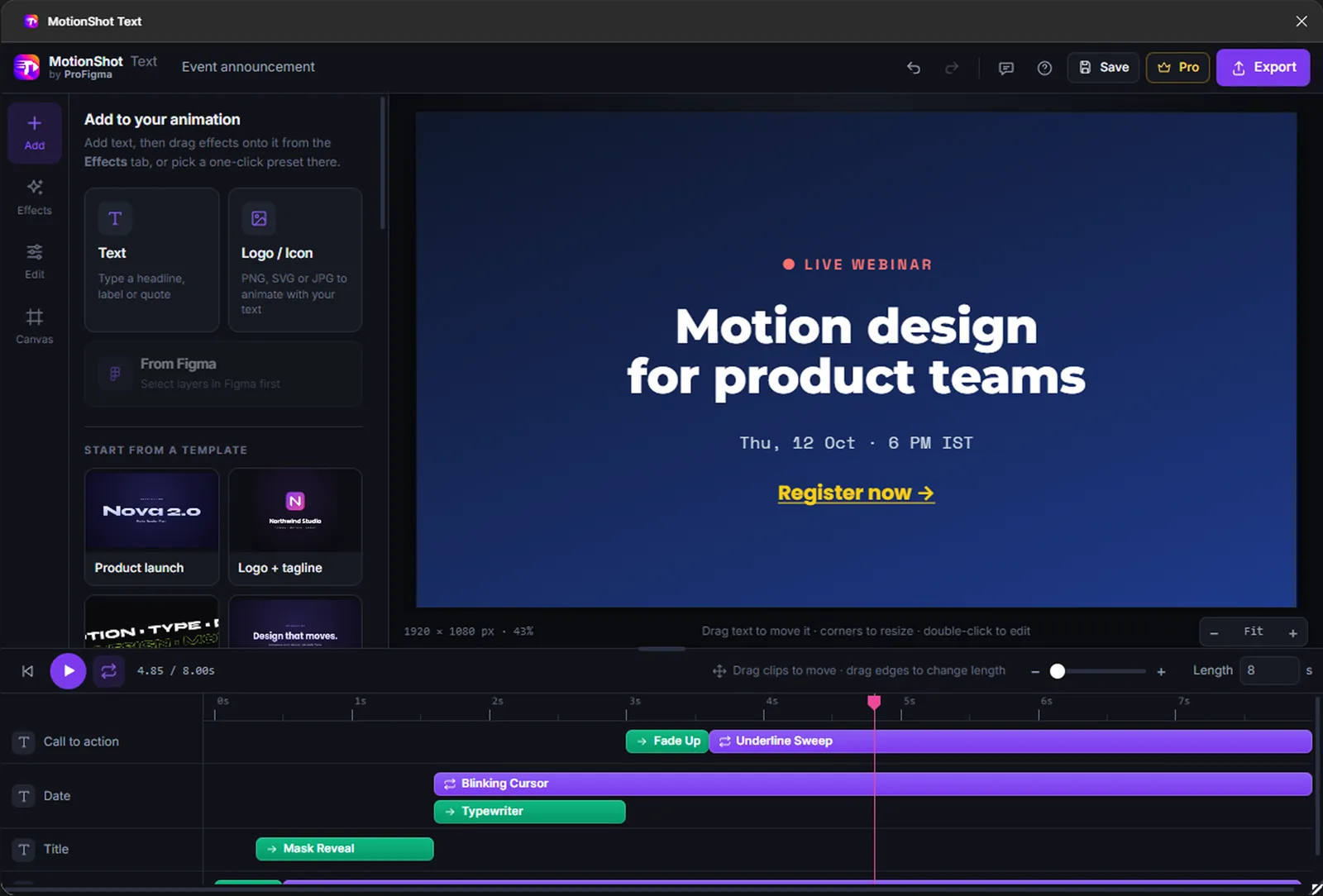
MotionShot Text and Landing Page Animator inside Figma. Click any image to see it full size.
What was messy
It didn't go in a straight line.
The first version tried to do everything in one plugin. Splitting it into focused plugins was the best call, but it came after building the wrong thing first.
- Smooth playback of many layers inside a plugin window
- GIF export that looks good with a small file size
- Templates that animate on their own in the picker
- Start with fewer templates and add based on use
- Run a short test with five designers before launch
- Plan the free and Pro split before building, not after
How AI fit in
Decided
- The presets, templates and their names
- Timeline layout and every control
- Free and Pro limits and prices
- Which plugin owns which feature
- Testing inside real Figma files
Built
- The animation engine
- The timeline editor
- GIF, video and HTML export
- Figma Motion and layer export
- Licence checks for Pro
Where it is now
Both plugins are live on Figma Community, each with its own page and a free plan.
Next: add usage numbers here and new templates based on what people export most.