ProFigma
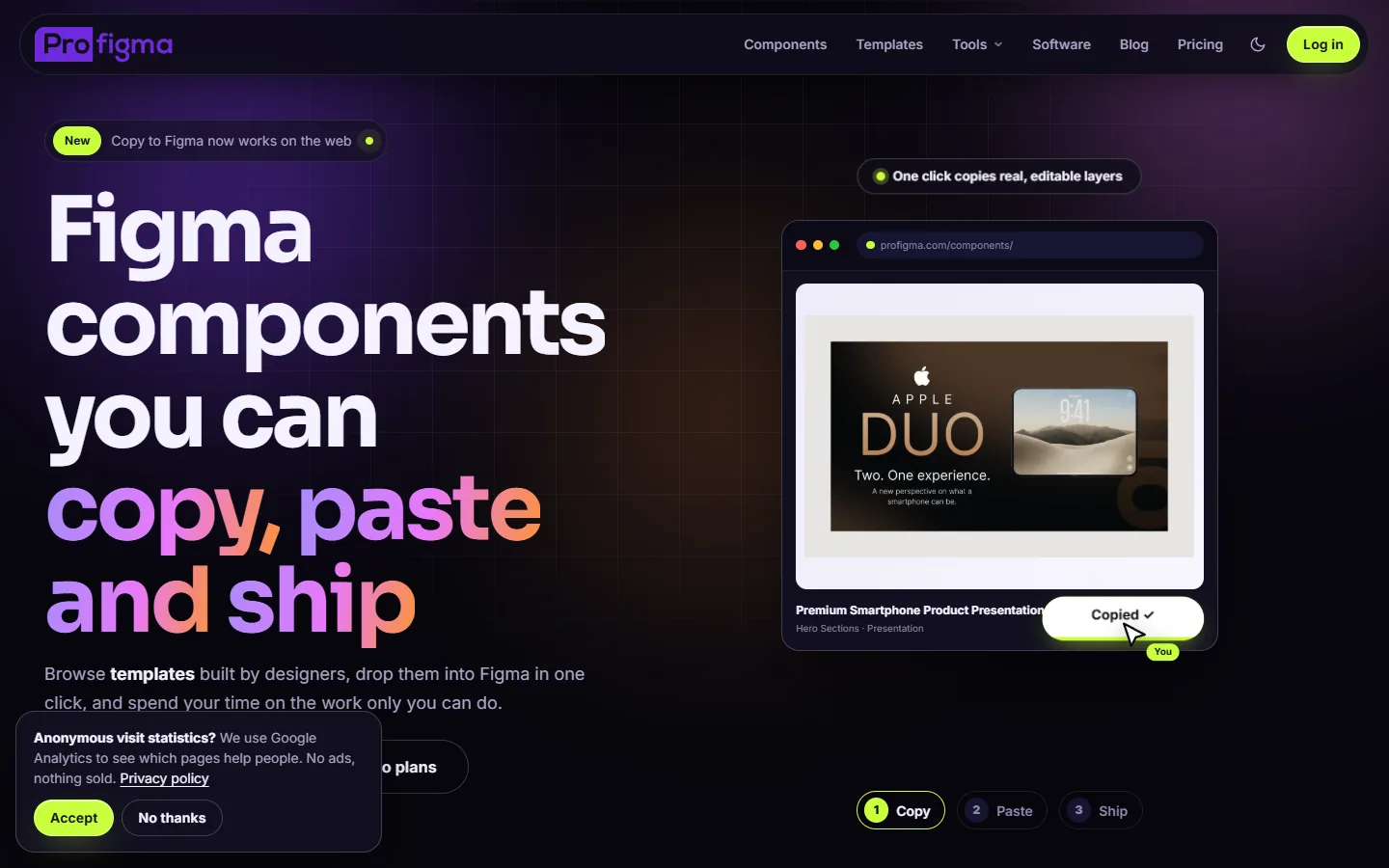
My own online store for Figma components, templates and print designs, plus 15 free design tools. The tools bring people in from search; the store and plugins are what they find next.
The problem
Selling Figma components is easy to start and hard to get noticed. A new store with no audience gets no visits.
I needed a reason for designers to find the site every week, even when they weren't looking to buy anything.
No traffic
A new store doesn't rank for "Figma components".
One-time visits
People buy once and don't come back.
Many products, one person
Plugins, extensions and apps all need a home.
What I built
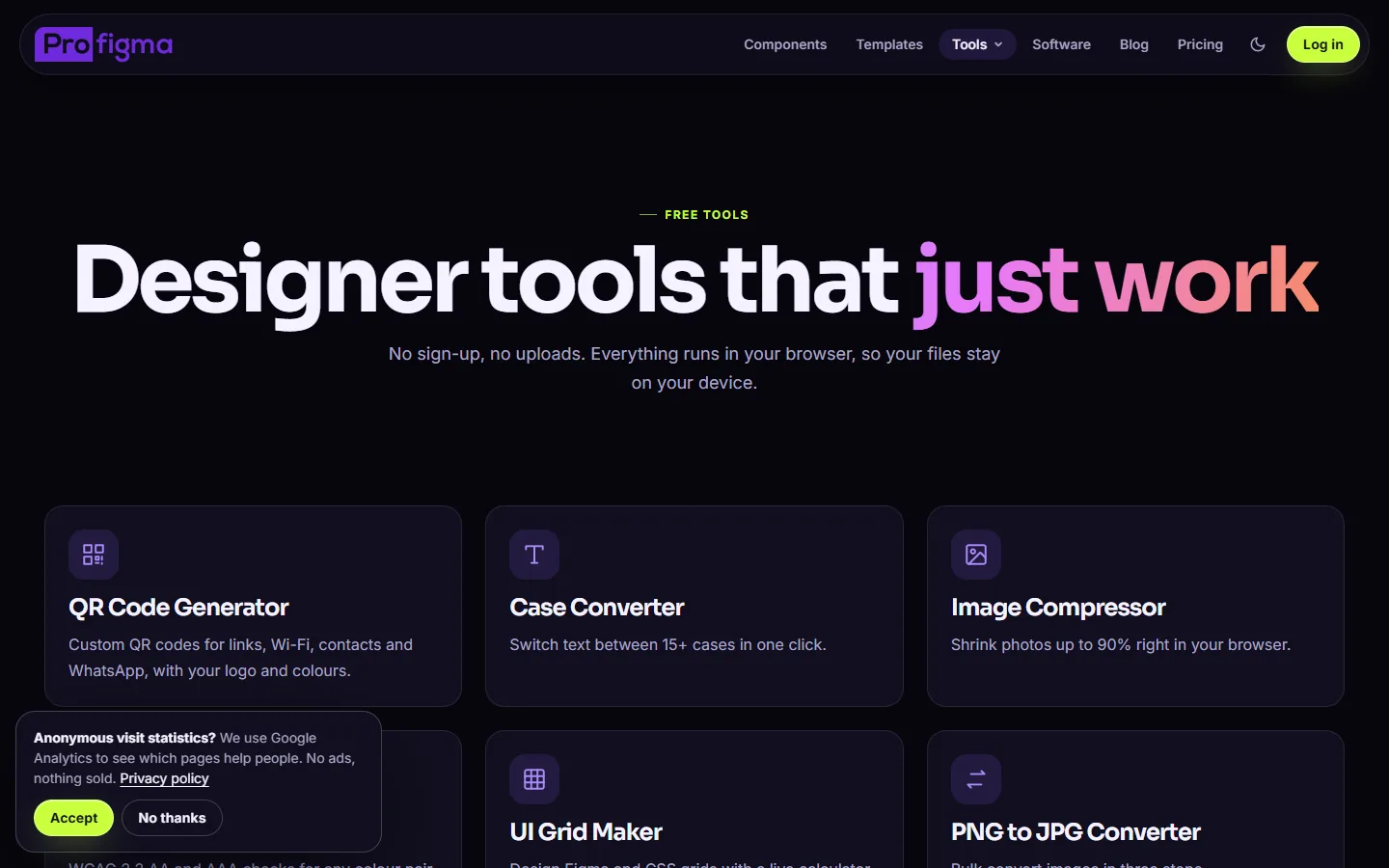
A store plus a set of free tools designers search for every day, each on its own page with a guide and FAQ.
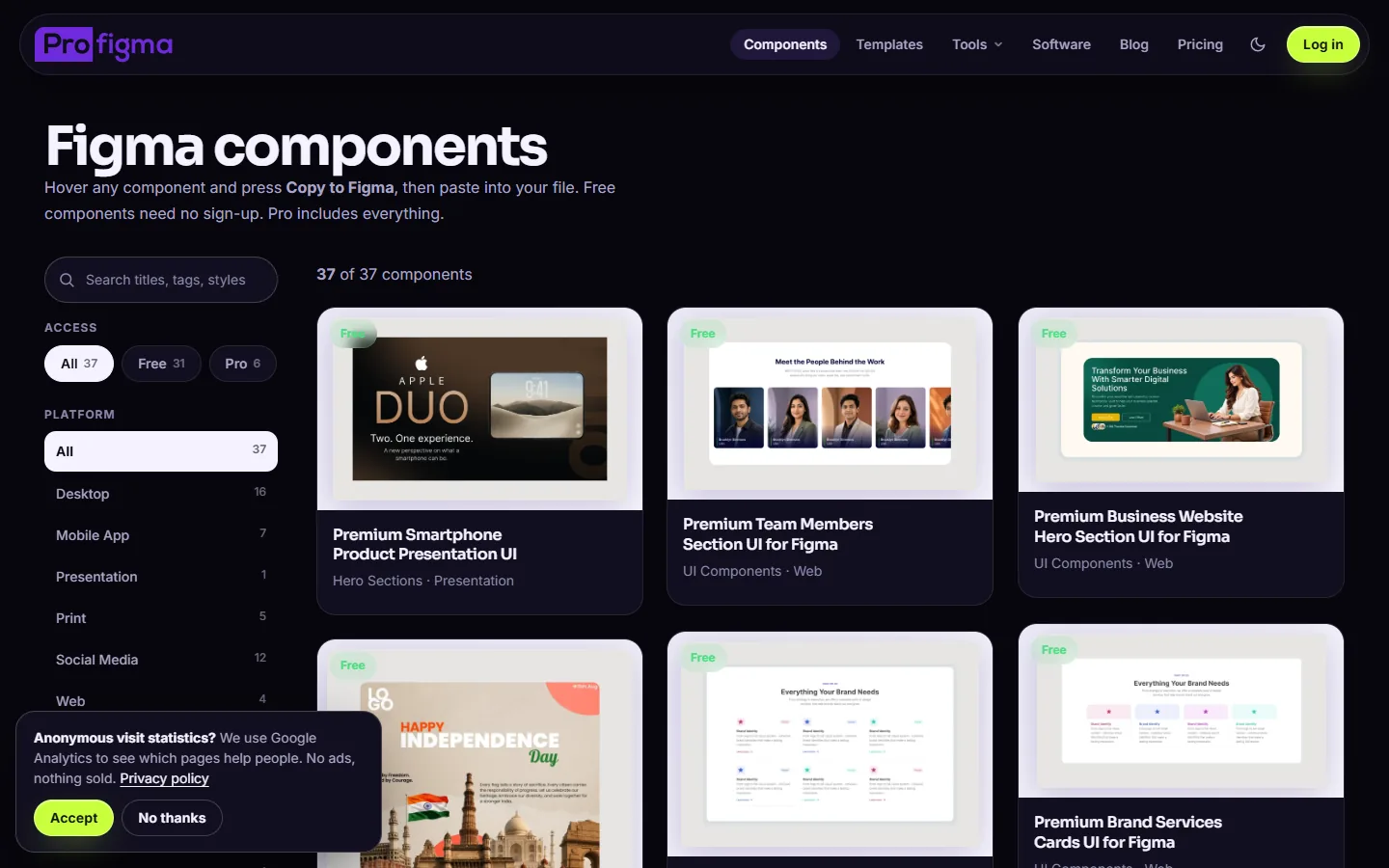
Components and templates
UI kits, landing pages, posters, pitch decks and social media assets.
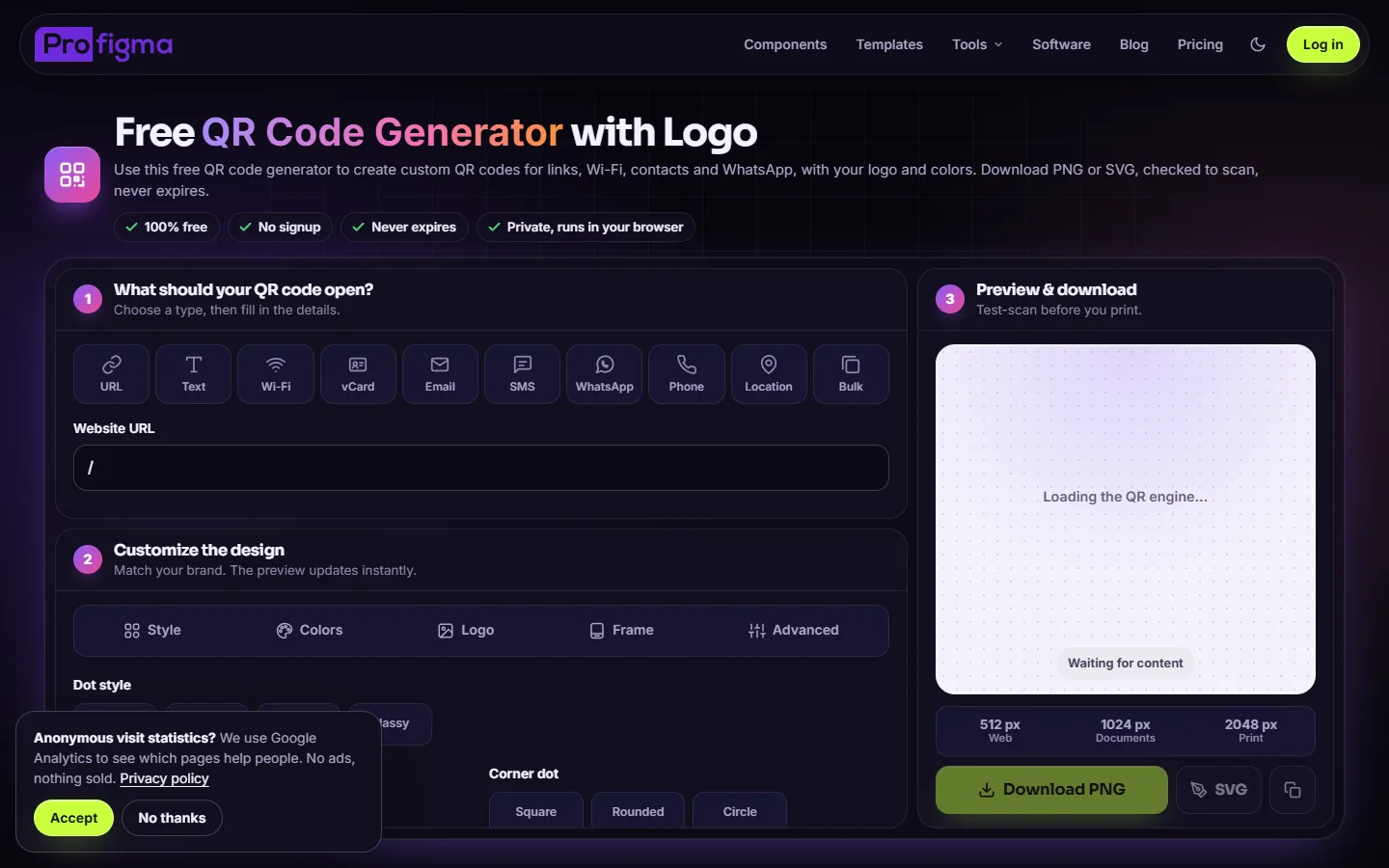
QR code generator
Make and download QR codes in the browser.
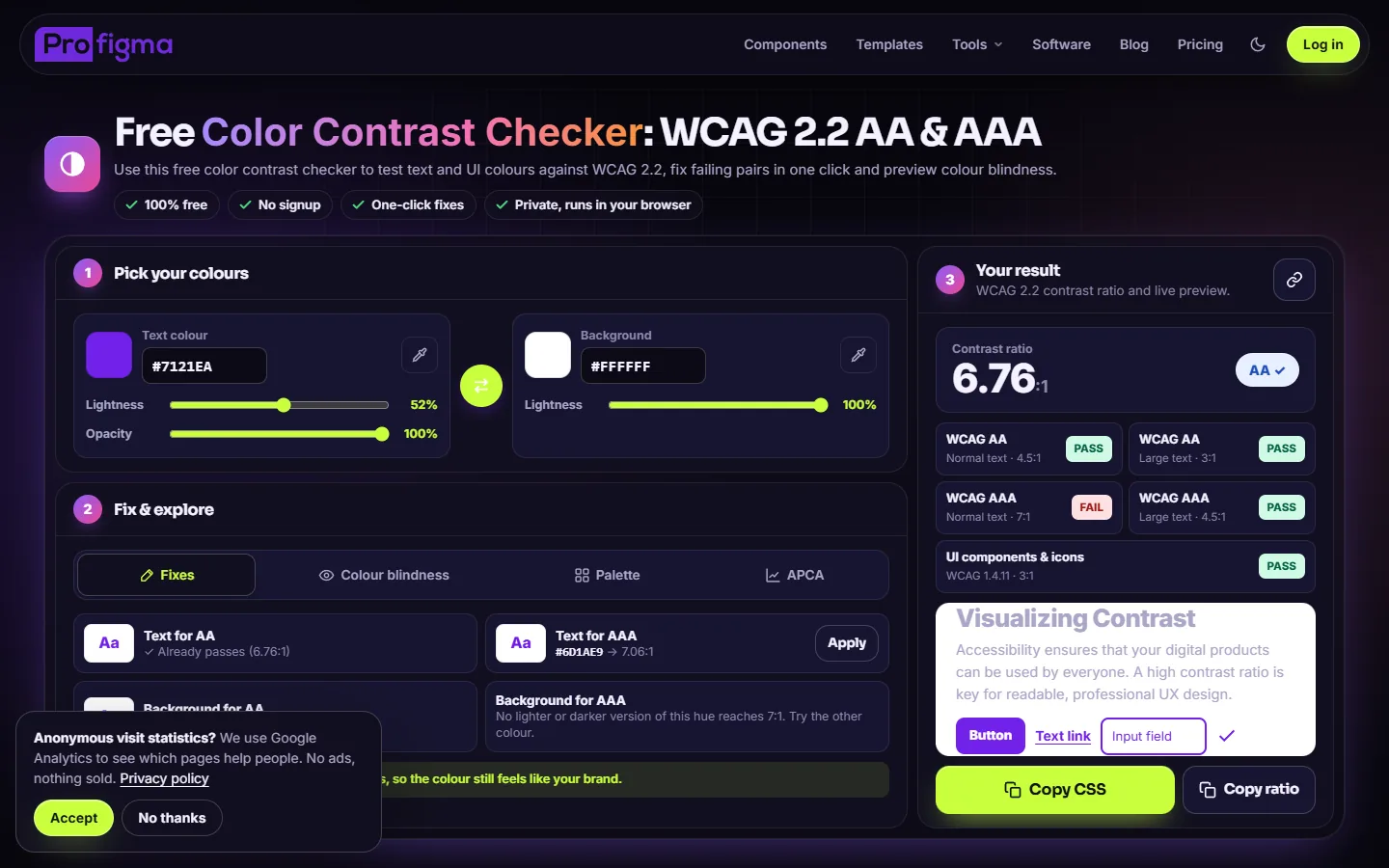
Contrast checker
Check text and background colours against WCAG.
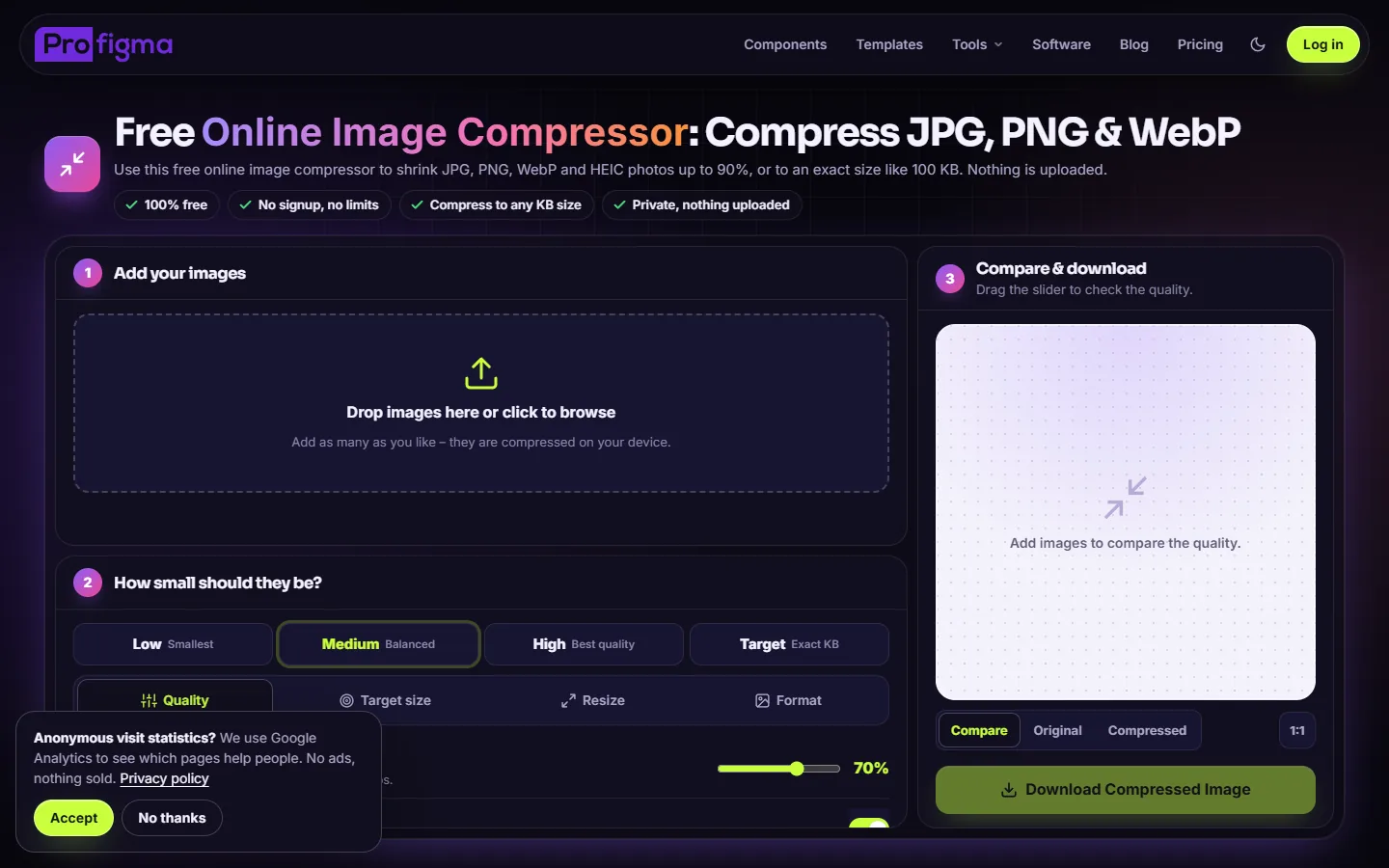
Image compressor
Make images smaller before upload.
UI grid maker
Layout grids for web and mobile designs.
10 more
Case converter, px to rem, type scale, gradients, shadows, favicons and more.
Guides
How-to posts that link to the tools and products.
All my products
The plugins, extensions and apps are linked from here.
Key decisions
What I chose, why, and what it cost.
Free tools to earn search traffic
Each tool answers something designers type into Google every day. People come for the tool and see the store.
CostEvery tool is a page to build, write and keep working.
A working tool plus a guide on every page
Each tool page has the tool at the top, then a short guide, an FAQ and structured data for search.
CostLonger pages and more writing for each tool.
WordPress and Elementor
I can add a page or product in minutes without touching code, and WooCommerce handles payments.
CostPlugins pile up and the site gets slower over time.
One home for every product
Plugins, extensions and apps all link back to ProFigma, and ProFigma links to all of them.
CostThe home page has to serve many kinds of visitors.
Screens
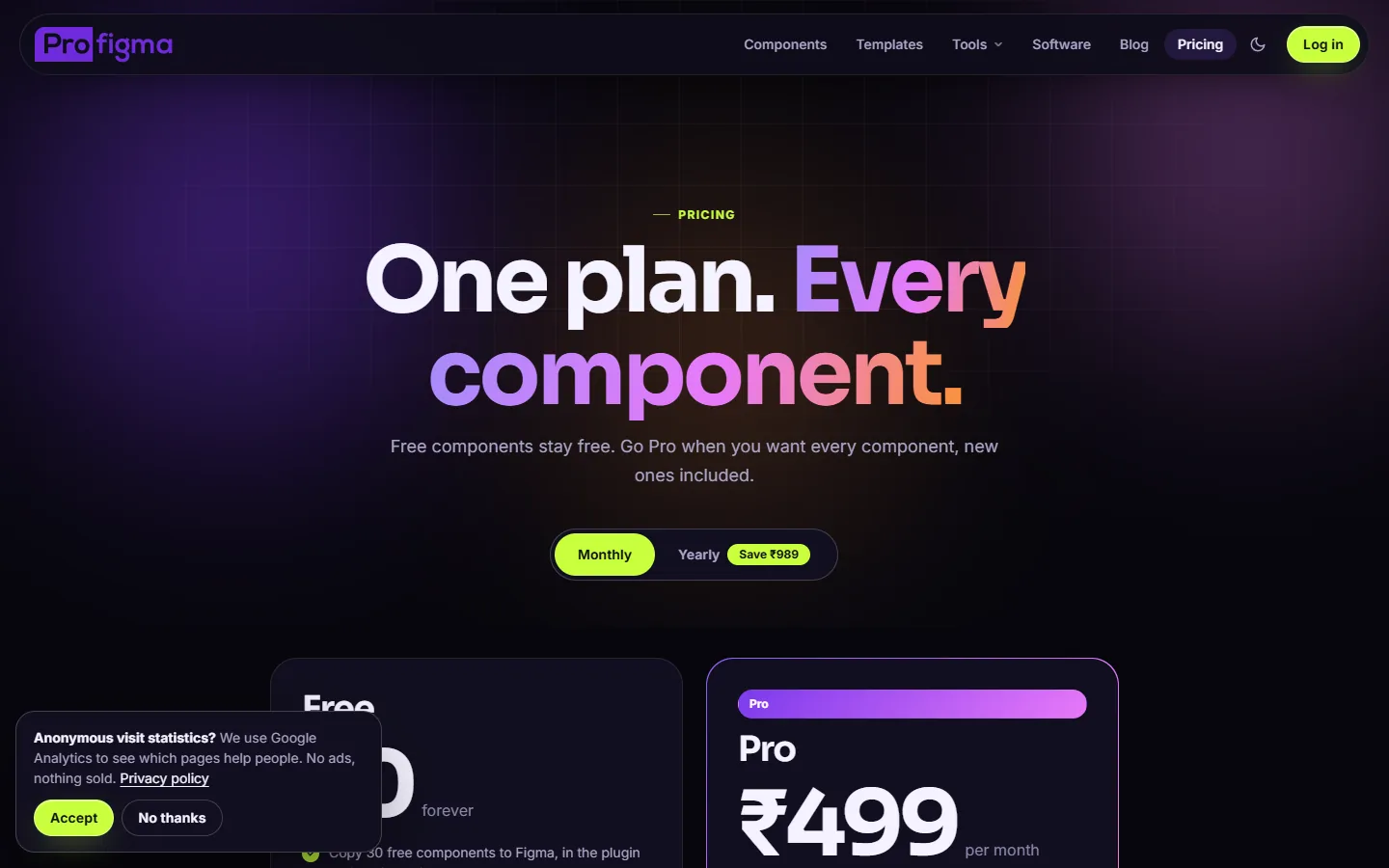
The free tools, the components library and pricing. Click any image to see it full size.
What was messy
It didn't go in a straight line.
SEO is slow and fussy. Pages that looked finished still had warnings to fix, and results take months to show.
- Fixing SEO warnings page by page
- Keeping a WordPress site fast with many plugins
- Writing a useful guide for every tool
- Pick fewer tools and make each one the best result for its search
- Measure which tools bring buyers, not just visits
- Keep the plugin list on WordPress short from the start
How AI fit in
Decided
- Which tools to build, in what order
- Brand, layout and every page
- Keywords and page titles
- Products and pricing
Built
- The tool code on each page
- Guide and FAQ drafts
- Structured data for search
- Image prompts for page visuals
Where it is now
Live with 15 free tools, the components library and links to every ProFigma product.
Next: add traffic numbers here and keep adding tools people search for.